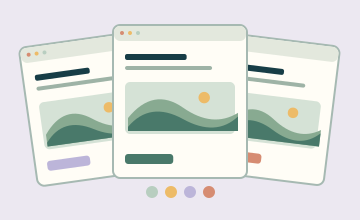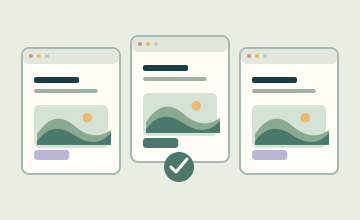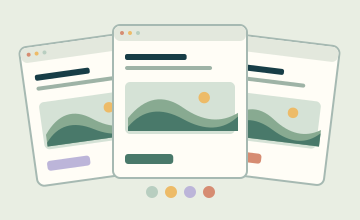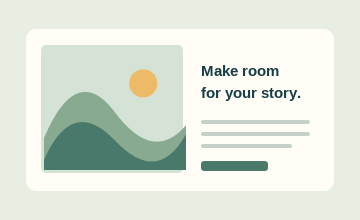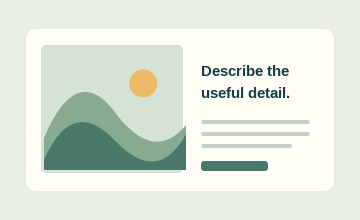

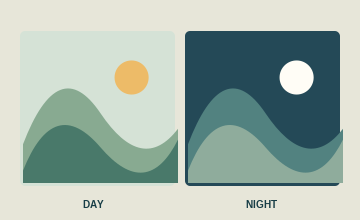
A scene that follows your colours
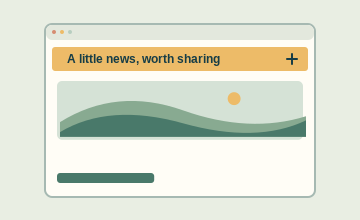
Bring day and night landscapes into your page. Choose the position and fade them into your website’s own colours.

YOUR NEXT USEFUL STEP
Find the right tool and see how it works before choosing your next step.
General guidance; check the sources and any provider requirements.
Find the right tool and see how it works before choosing your next step.
YOUR WEBSITE WORKSHOP
Explore the tools for your words, design, images and products. See what each one helps you do, with real examples and step-by-step guides.
Starter, Porridge+ and Pro are available now. Choose your tools, then review the monthly price before checkout.
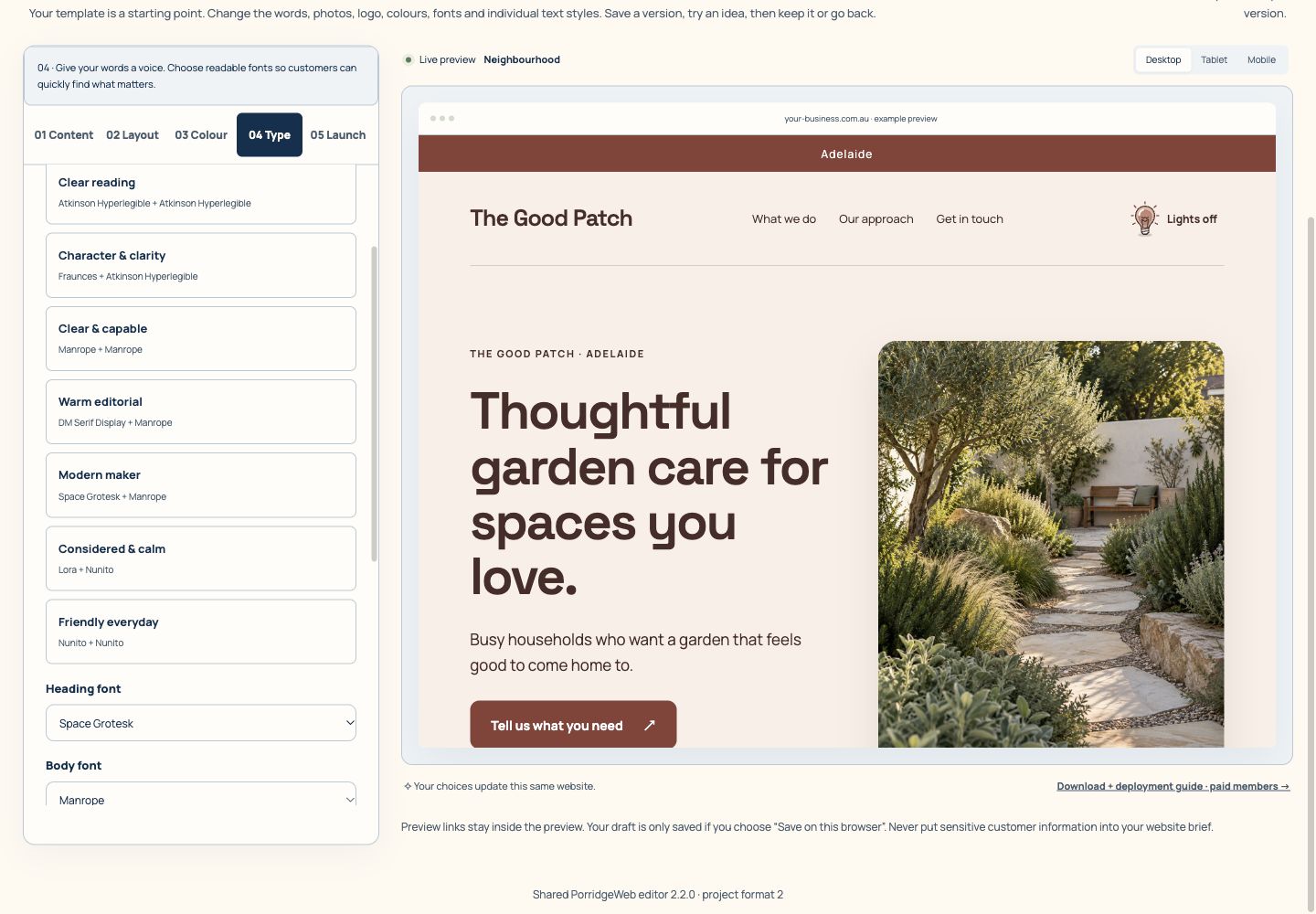 A working editor, not a pretend dashboard.
WHAT YOU CAN DO WITH PORRIDGEWEB
The workshop brings your words, design and useful website features together. Start with one job; you do not need to master the whole toolbox before lunch.
Choose a template and art direction. Make it your own with colours, fonts, a logo and your photographs.
Explore the design choices ↗Add your text and images, carousels and enquiry forms. Product tools let you create a catalogue and try a demo basket.
See the tools and what each does ↗Preview phone and desktop layouts, work through launch checks and download your static website with eligible member access.
Follow the numbered guides ↗Good to know: free tools and previews are available now. Built member tools need an authorised account; new Starter, Porridge+ and Pro memberships are available now. Hosted is still in preparation. Forms need a delivery connection. A checkout for your exported shop and hosting are not included. AI help, logo concepts and website images use your monthly credit allowance.
WATCH · 2 MINUTES 24 SECONDS
See how choosing a design, making it yours and preparing the download fit together. Use the chapters to jump to the part you need.
Download the demonstration video · Download captions · Follow the numbered tool guides
Your website should help customers understand what you do, feel confident and take the next step. PorridgeWeb brings the planning, design tools and practical guidance together, so you can build at your own pace.
Step one. Find a look that fits. Browse the art directions, narrow the collection by style or business, and compare the previews. Try a different colour scheme before you decide. The free tools let you explore before choosing a paid plan.
Step two. Make it yours in the website studio. Change your words, colours and fonts beside the live preview. Add your logo and photographs. Check Desktop, Tablet and Phone views as you work, so your message stays clear on smaller screens.
Step three. Give your images a useful job. The member library helps you find illustrative images within your monthly allowance. Image Prep Studio lets you crop, adjust colours and prepare a WebP copy. Keep the original, and use real photographs when you are showing actual staff, work or products.
Step four. Add what your customers need. Use a gallery, service carousel or contact form to make the next action clearer. Pro adds product catalogues, label tools and extra planning worksheets. A demonstration basket is not a connected online shop checkout.
Step five. Check your work and keep a copy. Follow the numbered tutorials, run the launch review and download your static website files with the setup guidance. Drafts and save points stay in your browser, so download backups you want to keep.
Starter is nineteen Australian dollars a month. Porridge Plus is twenty-nine, and Pro is forty-nine, including GST. All are for one website. Hosting, domains and business email are separate. AI help, logo concepts and generated images use credits, with an estimate before you start.
Visit the About page to find every tool and its own guide. Compare the plans on Pricing, or begin with a free tool. PorridgeWeb. One useful step towards a website that feels like your business.
EVERY TOOL HAS A JOB TO DO
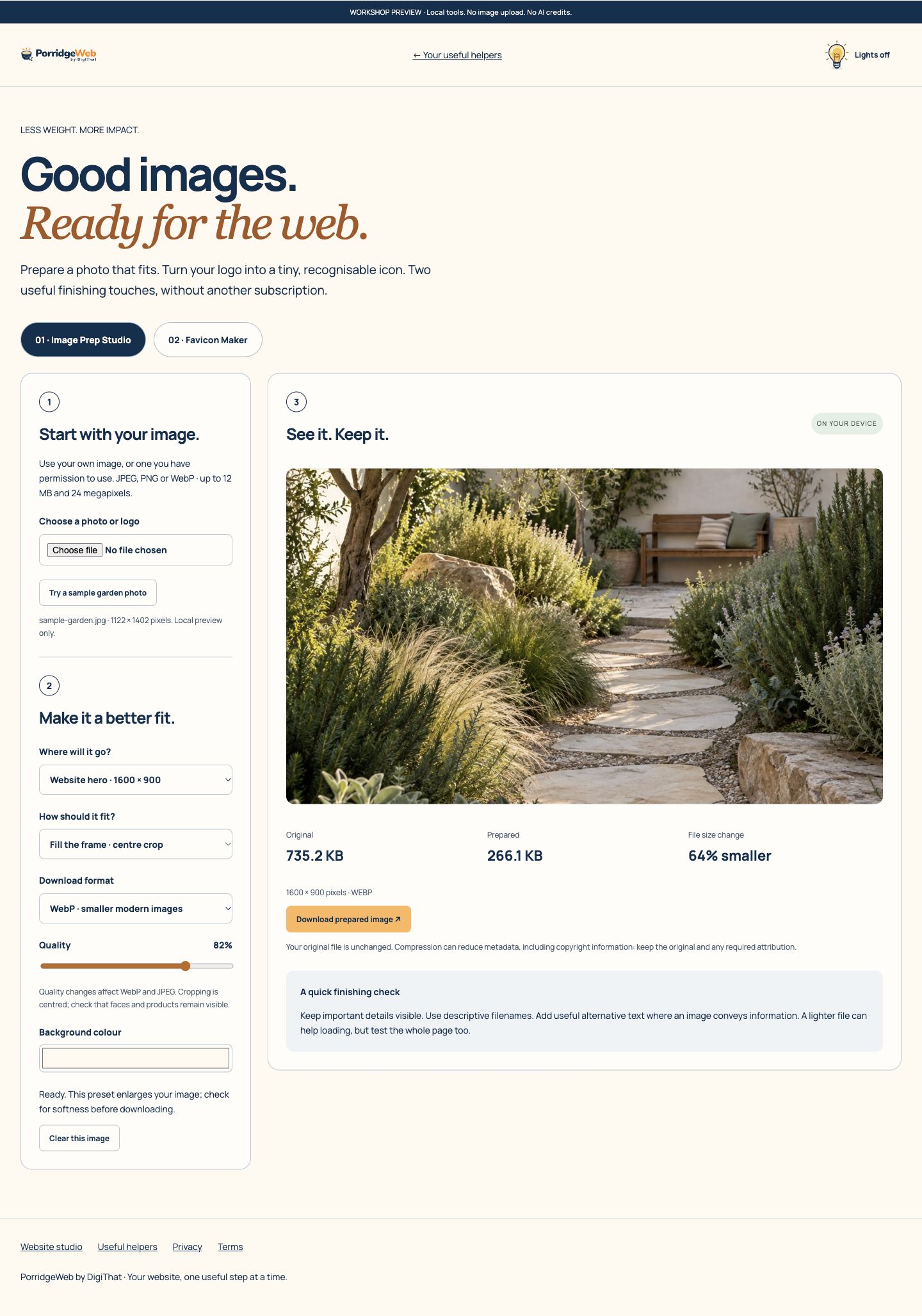
Crop, adjust colour or make a 2× copy on your device. Compare before and after, keep transparency where supported, and download a new file. Enlargement uses browser smoothing, not recovered detail. No AI credits.
Open Image Prep Studio ↗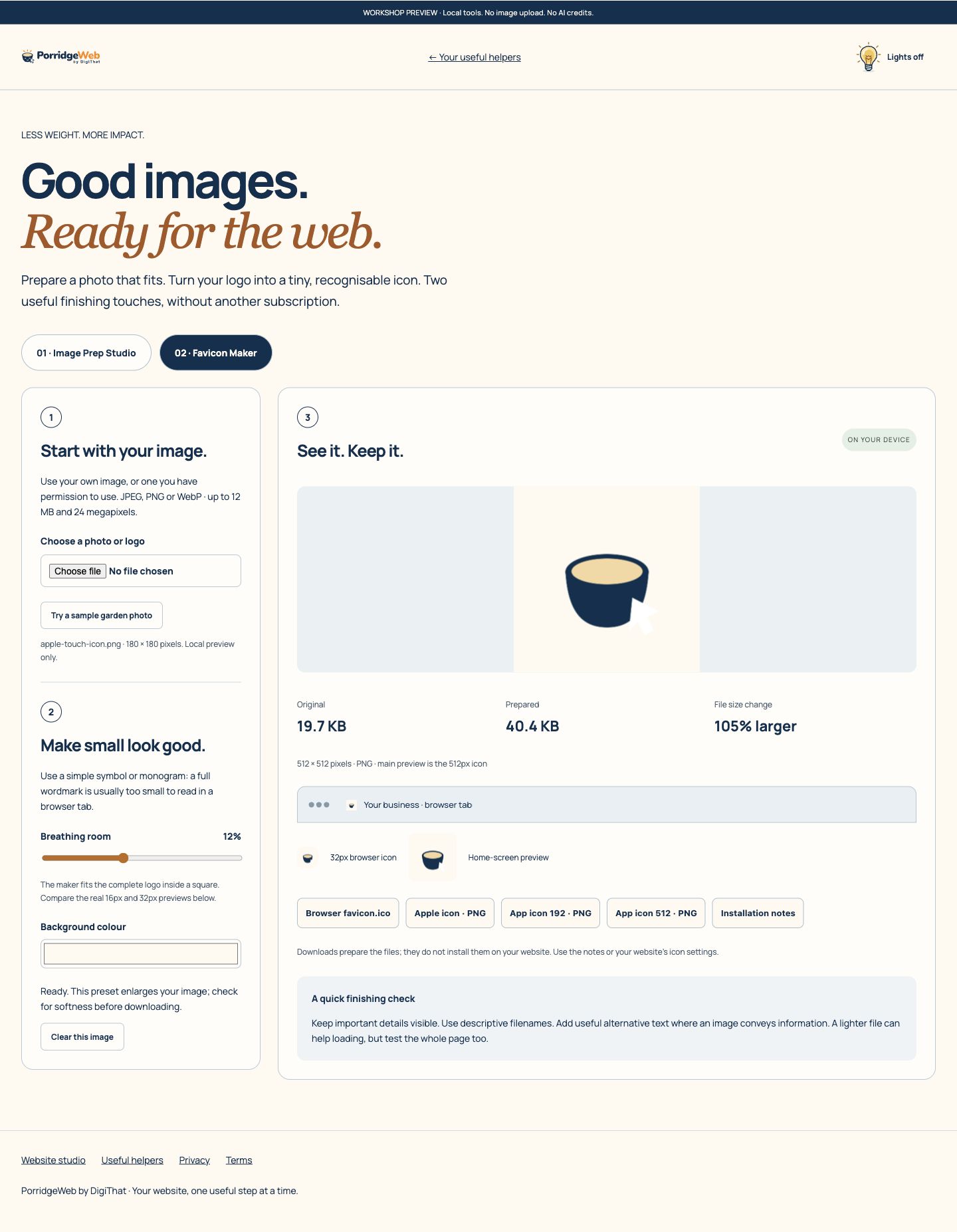
Turn your logo into browser and home-screen icons. See the tiny preview before you download the complete set. No AI credits.
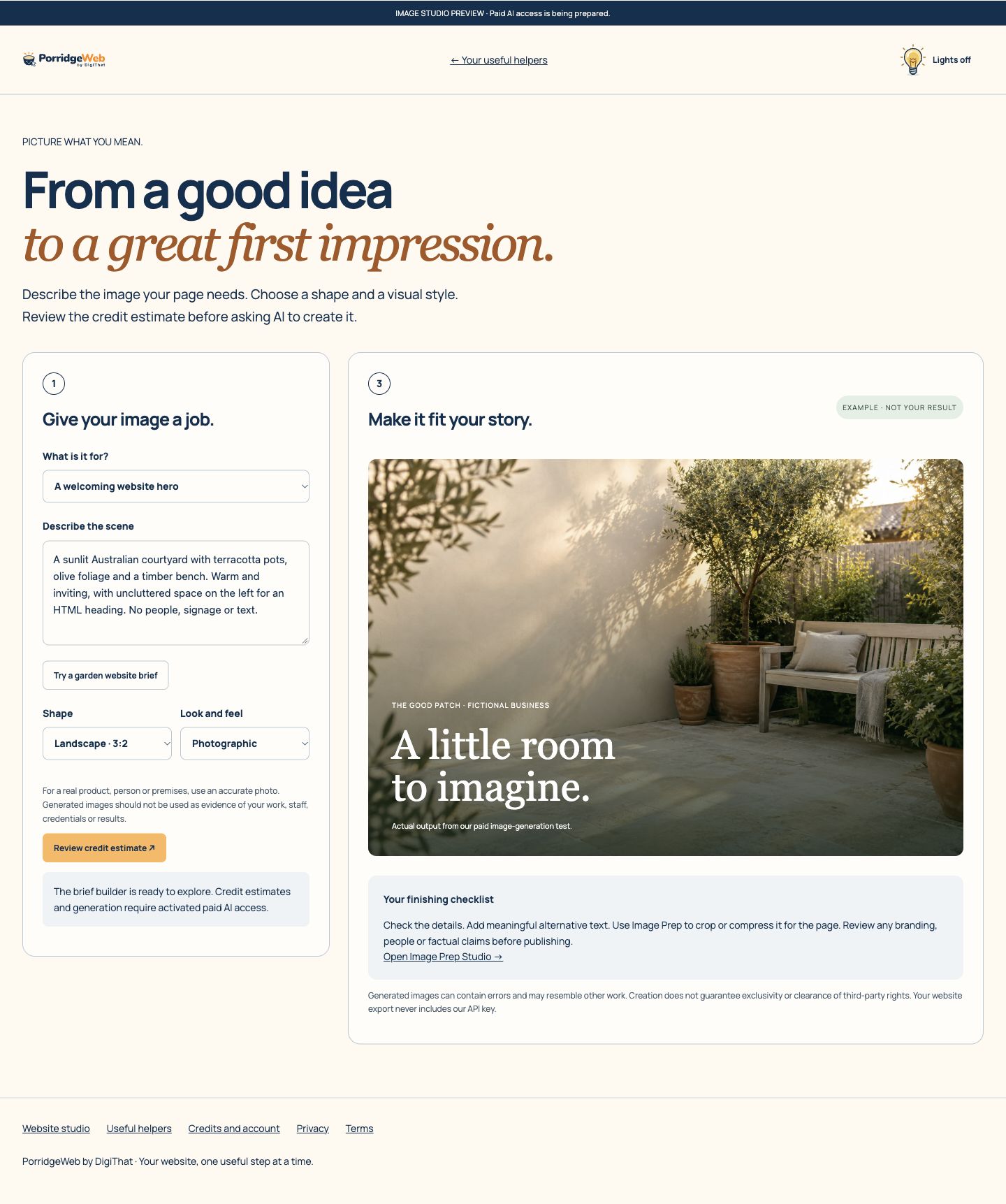
Our new AI image studio is in testing. Brief a hero image or illustration, review a credit estimate, then create a visual. Starter includes 1,000 AI credits per paid month; Porridge+ 2,900; Pro 4,900. Optional top-ups: A$10 for 2,500 credits. No automatic top-ups.
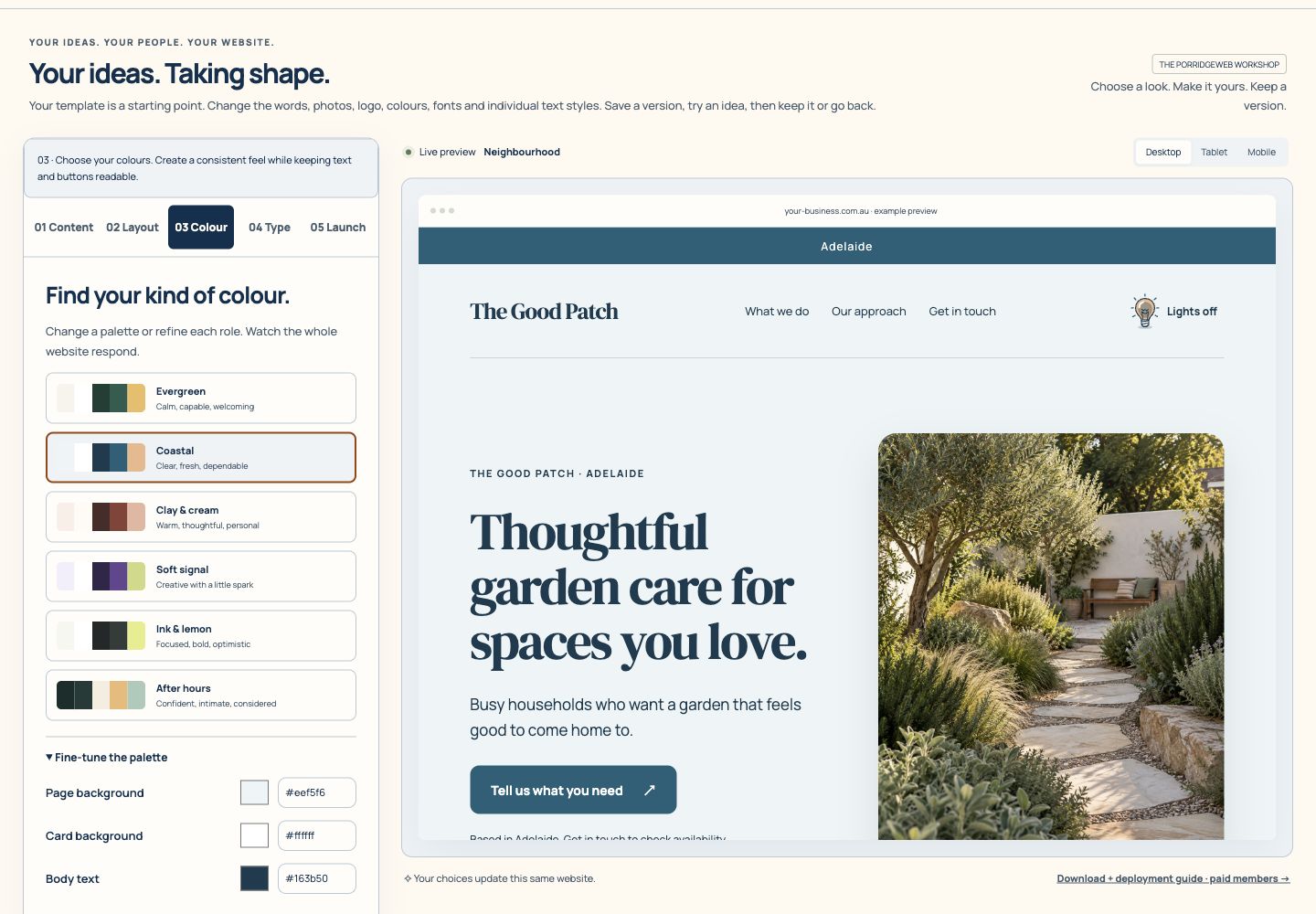
Try a complete palette and see the same website change. Readability checks flag selected text and background combinations.
Explore the font catalogue, shortlist families and adjust type by role. The workshop includes 58 bundled families, with selected font licences included in your export.
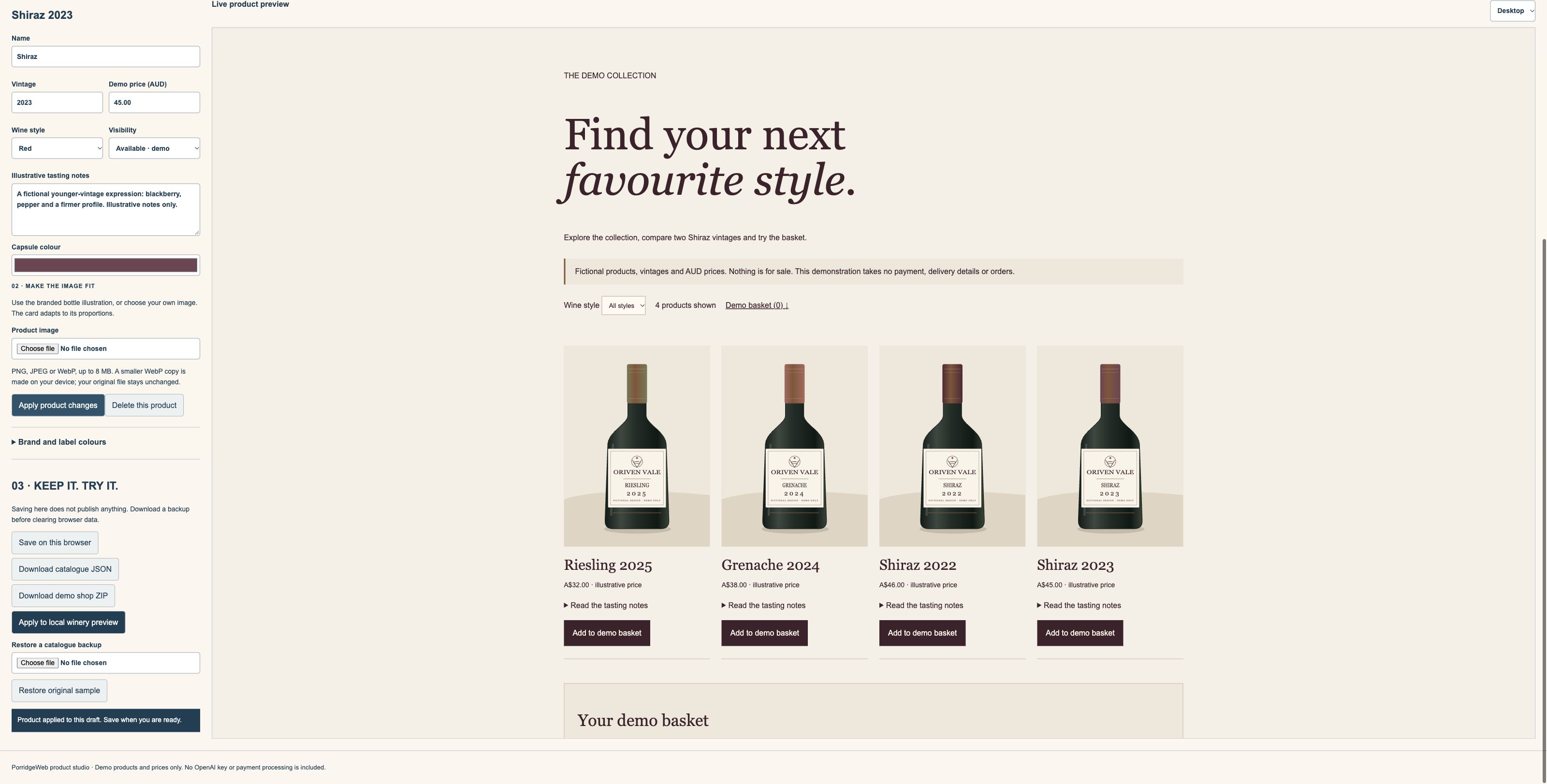
Edit names, prices, vintages, labels and images. Preview a demo collection; real payments and inventory need a separate service.
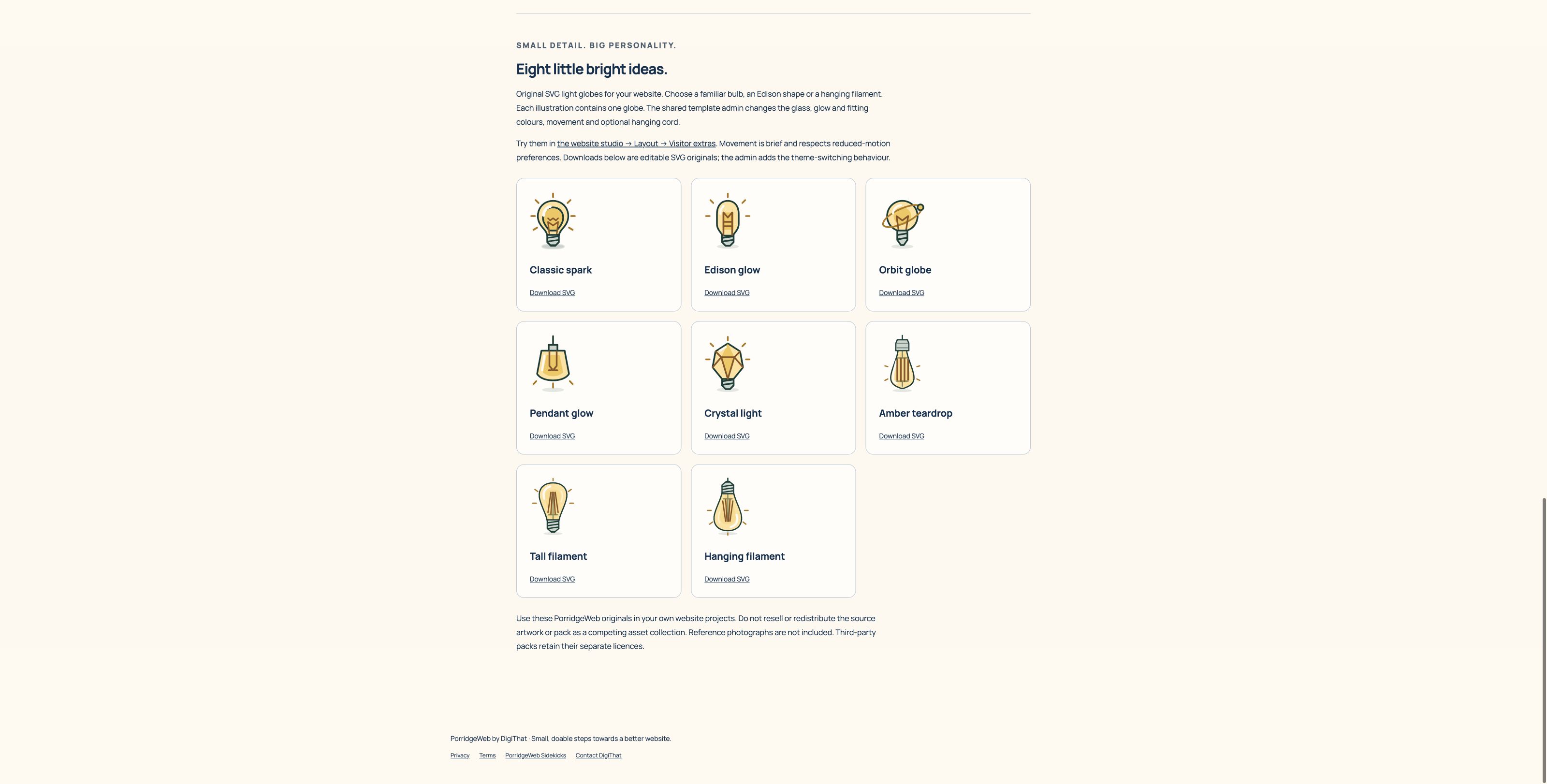
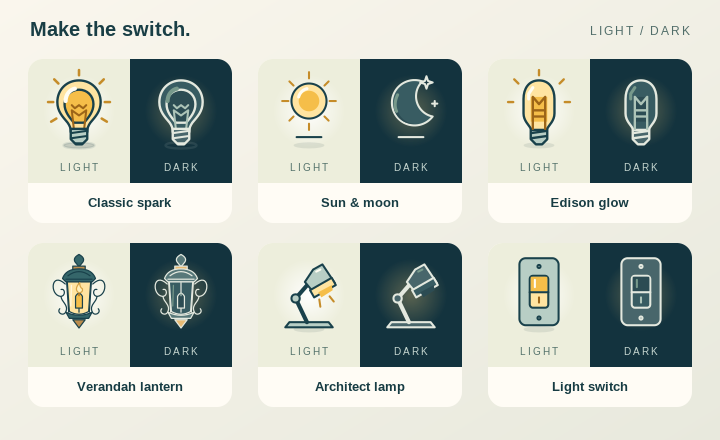
Thirty-two SVG theme controls, including Camera aperture with colour and movement choices. Add a useful light/dark switch that suits your design.
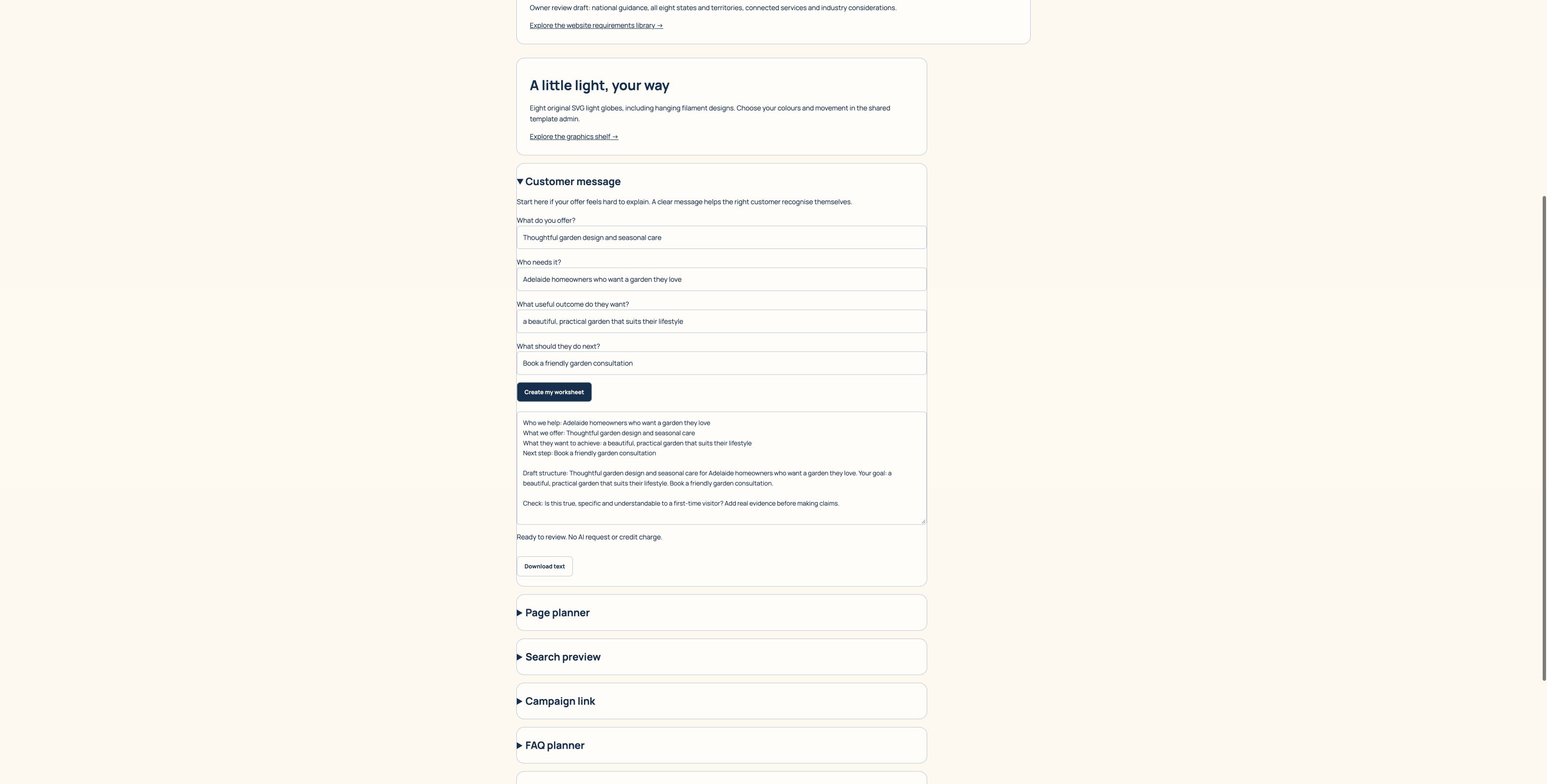
Customer messages, page plans, FAQs, search previews and campaign links. Practical worksheets built from your own facts.
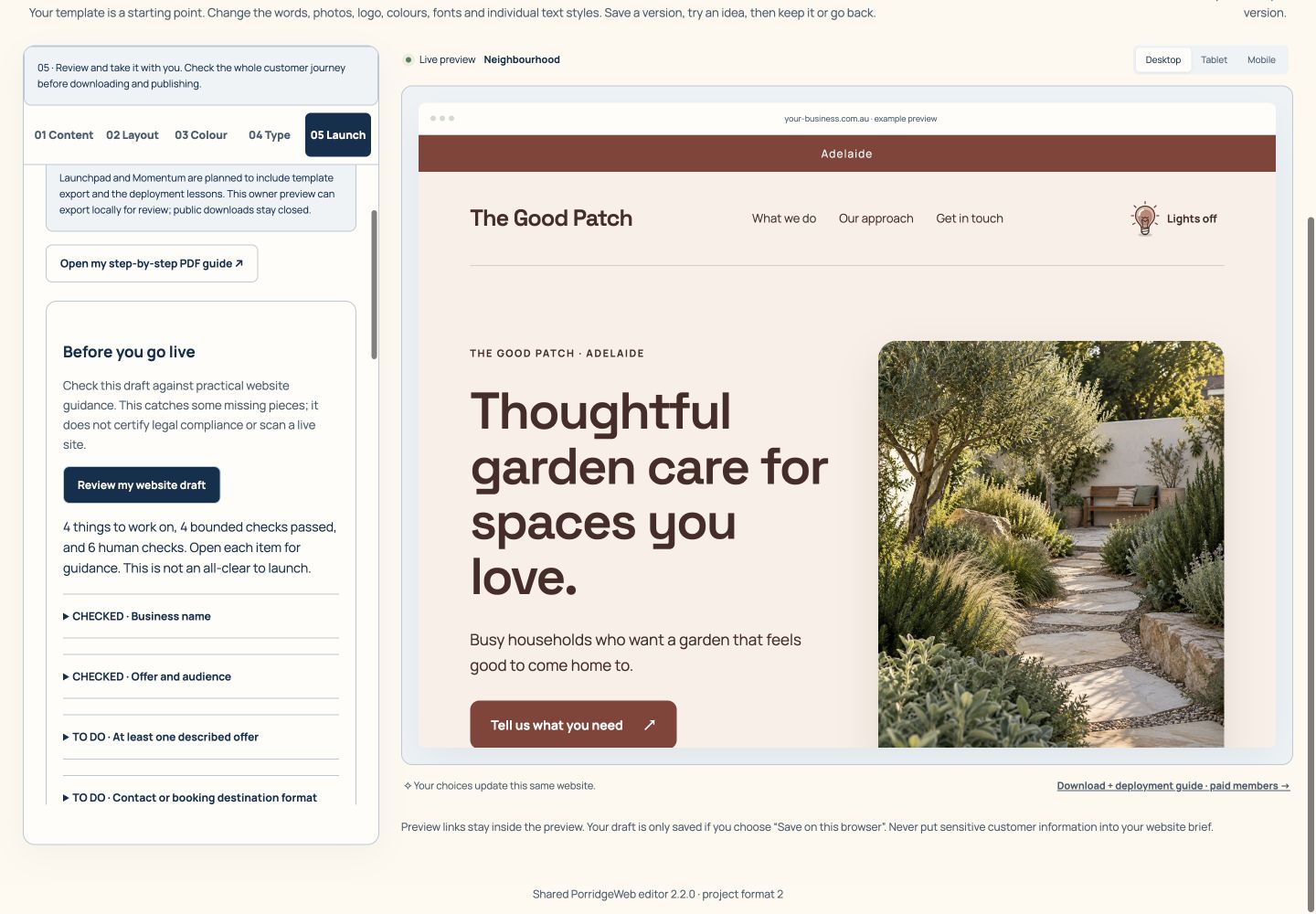
Review missing contact information, sample content and selected colour combinations. Keep the human review steps: this is not a compliance certificate.
A FEW MORE THINGS YOU CAN MAKE
Add the components that help your customers. Every template can use these tools; the live preview lets you judge the result before downloading. Existing editors and these additions use no AI credits.
Bring day and night landscapes into your page. Choose the position and fade them into your website’s own colours.
Arrange up to six images in a grid, showcase or card fan. Visitors can open a larger view; movement is optional.
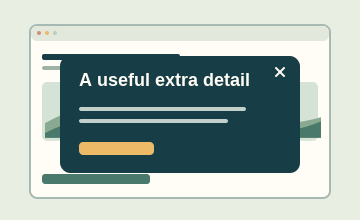
Share an announcement or offer extra detail in a visitor-opened window. Accessible controls keep the visitor in charge.
Keep useful links beside your content. Choose one or two sidebars; smaller screens bring them into the page flow.
Choose from 32 theme controls, including Camera aperture. Preview light and dark, and choose animated or still movement.
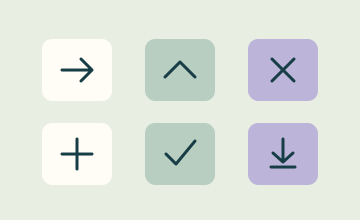
Give arrows and controls a consistent look with 12 matching SVG icons. Editable originals and usage notes are included.
MAKE THE WORKSPACE WORK FOR YOU
Follow seven short steps, or skip to the Studio. The business details you enter come with you; applying a design stays your choice.
Follow the stepsExplore 77 art directions and preview colours, desktop and phone layouts. Apply a direction to a site, page or block while keeping your content.
Follow the stepsKeep five undo steps, three named alternatives and eight restore points in this browser. Download a backup for work you want to keep.
Follow the stepsGive your editor more room, tuck away the sidebar and find tools through the searchable menu. Your website layout stays the same.
Follow the stepsBrowser saves and versions remain on this browser. They are not cloud storage or cross-device synchronisation; download a private settings backup for work you want to keep. Hosting, email, form delivery and real commerce need their own connections.
Development captures from 14 October 2026 with fictional example content. Some toolbar details reflect the stage of testing shown. The newer features below have written guides; the narrated videos demonstrate related controls and are not presented as newly recorded walkthroughs.
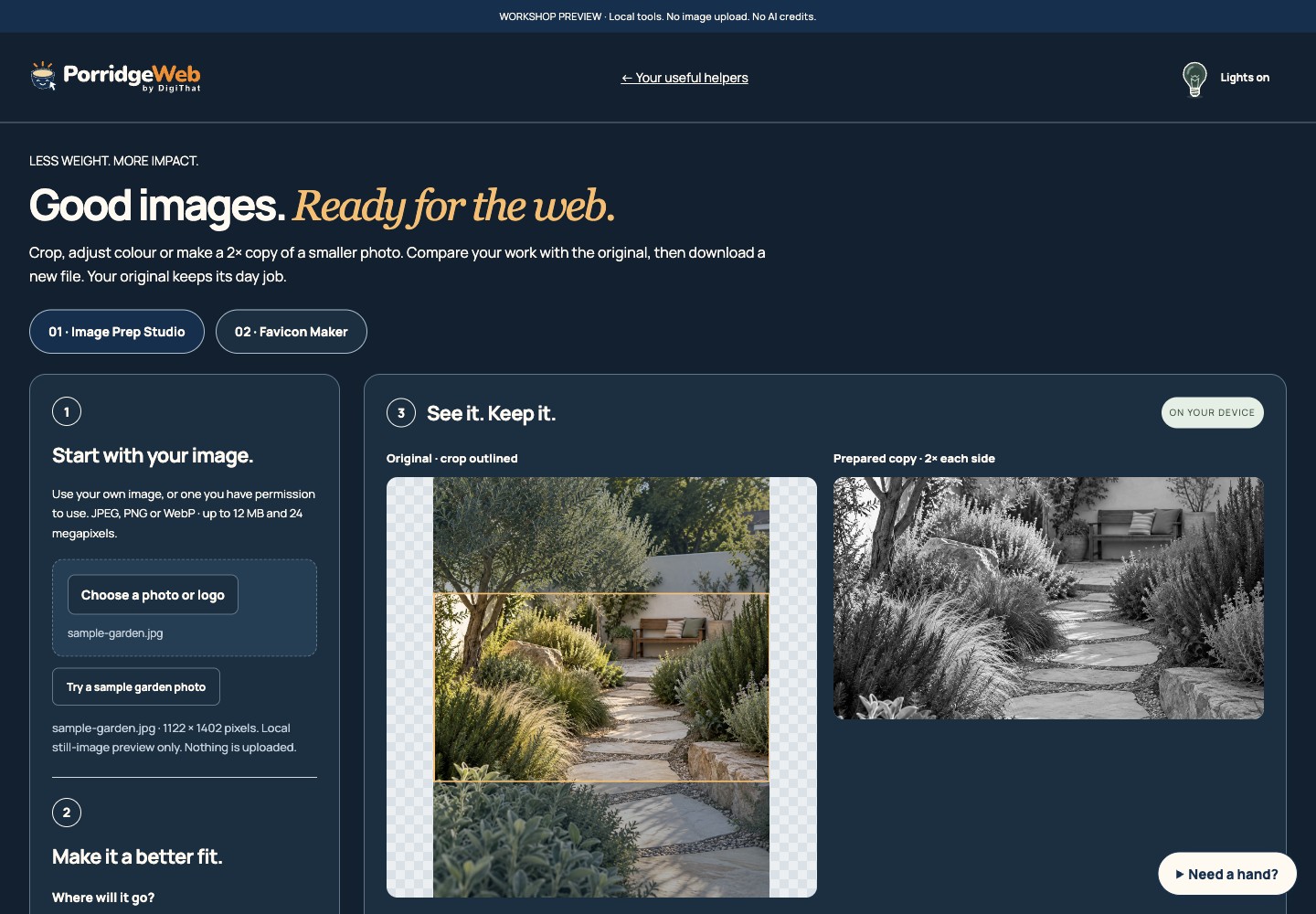
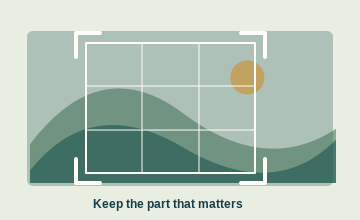
Image Prep’s real crop and 2× controls, with a monochrome result beside the original. Colour treatments and enlargement work locally; no AI credits.
Learn how to use it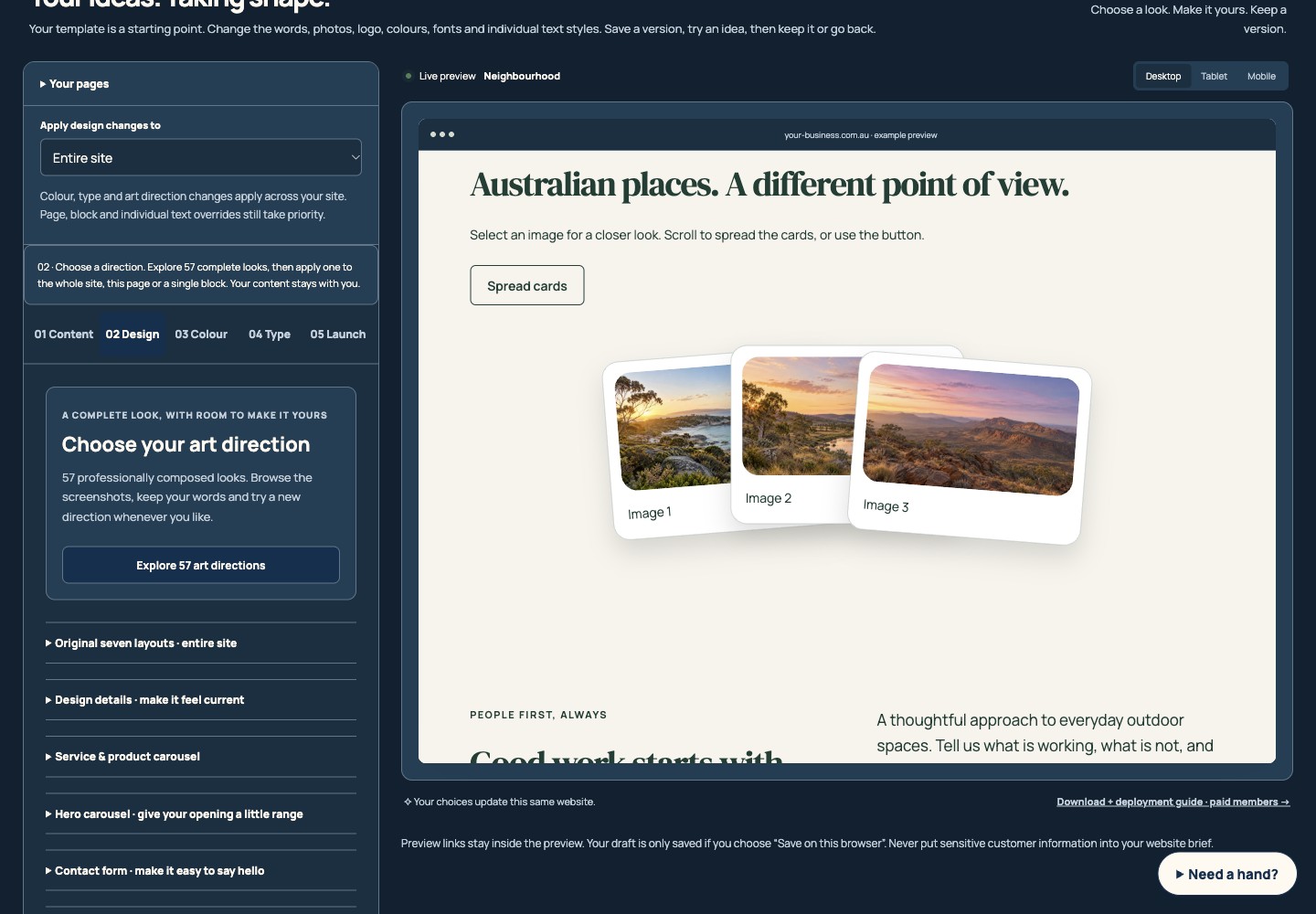
A real fanned-gallery preview at part of its scroll journey. The manual Spread cards control offers another route, and reduced-motion visitors receive a still open layout.
Learn how to use it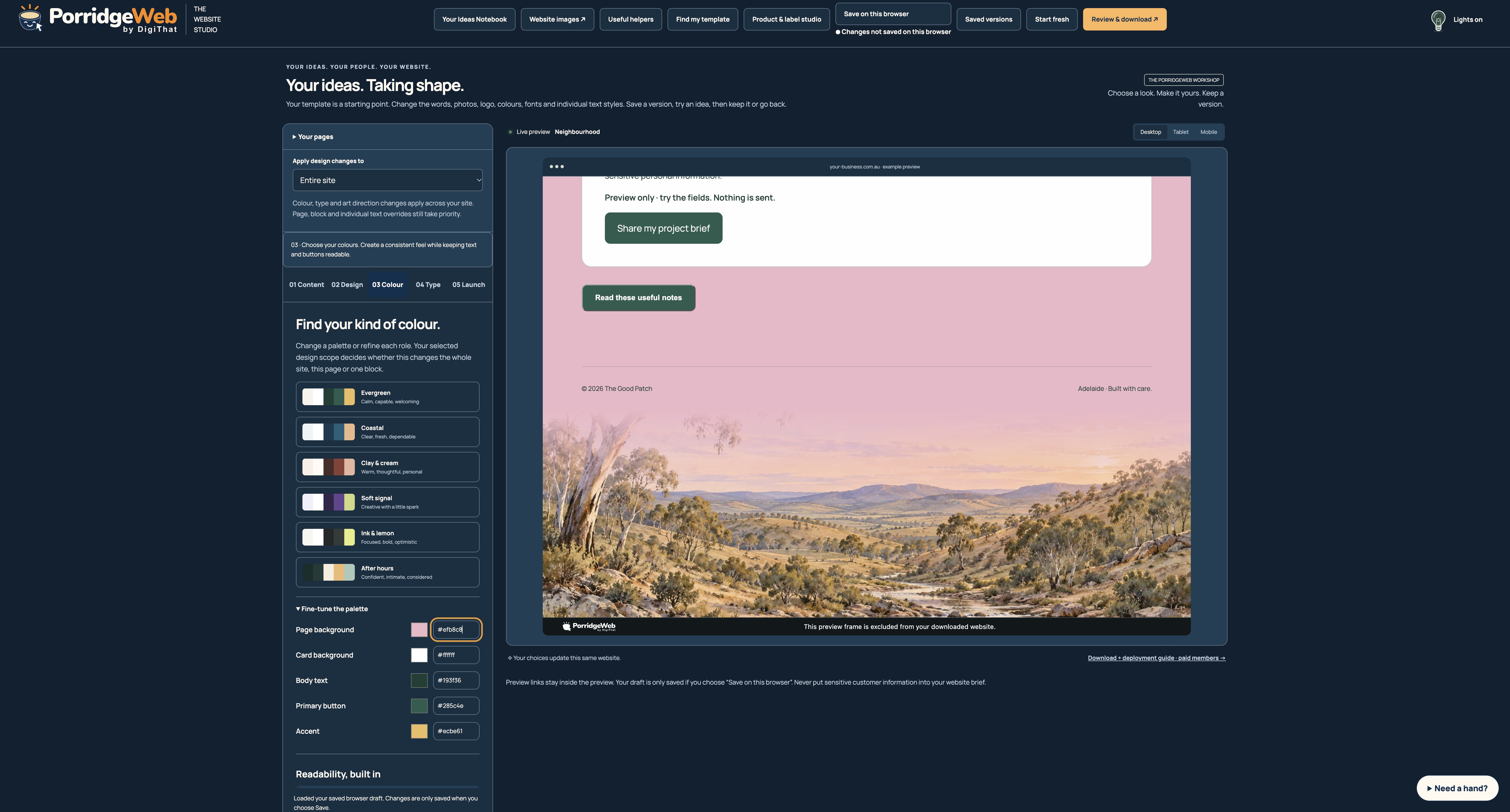
A real closing landscape fading into a custom pink page colour. The same treatment follows dark colours; the fade is produced by CSS rather than painted into the image.
Learn how to use it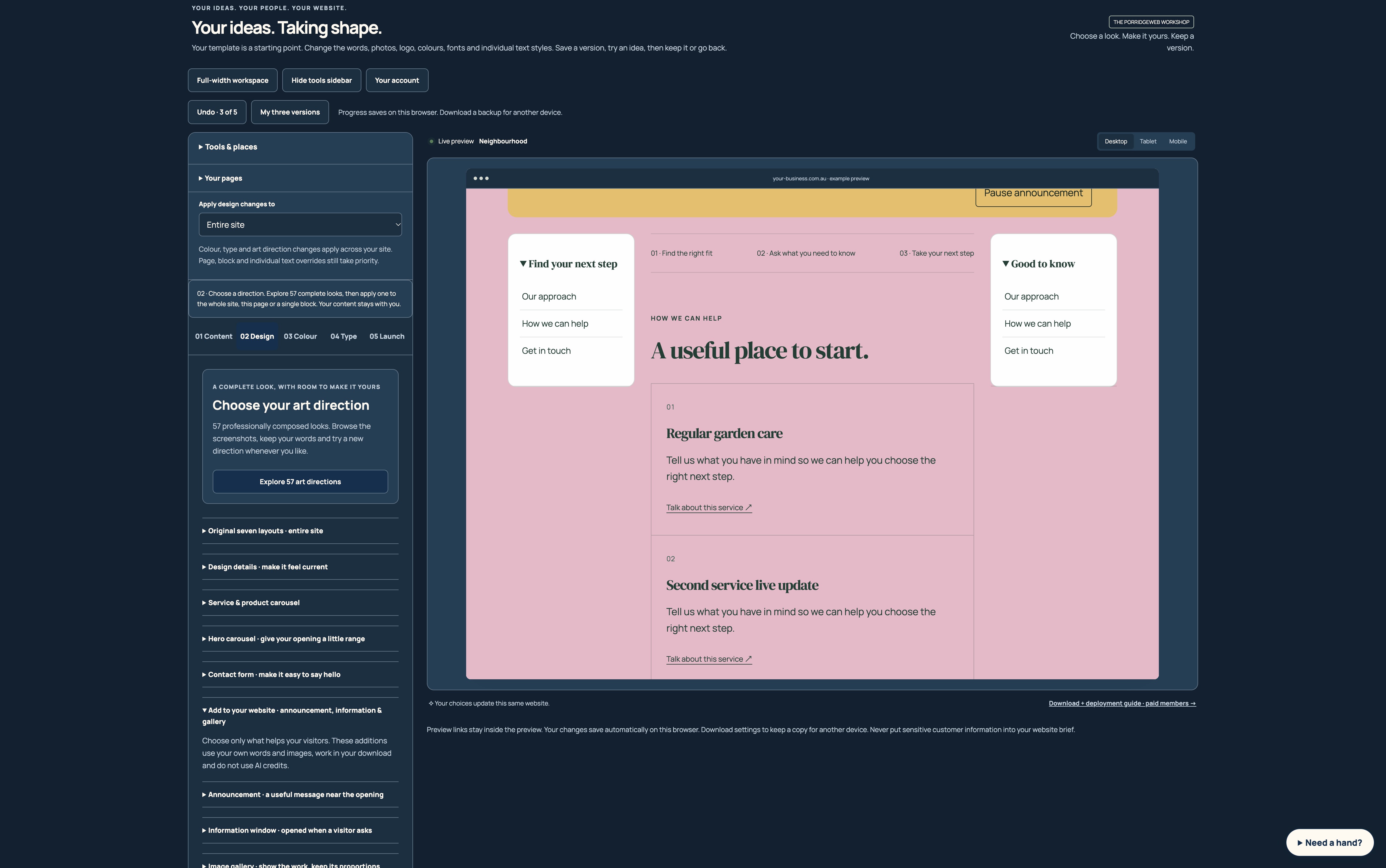
A real website preview with supporting sidebars. The opening retains its width and the reading area adapts around the link panels.
Learn how to use it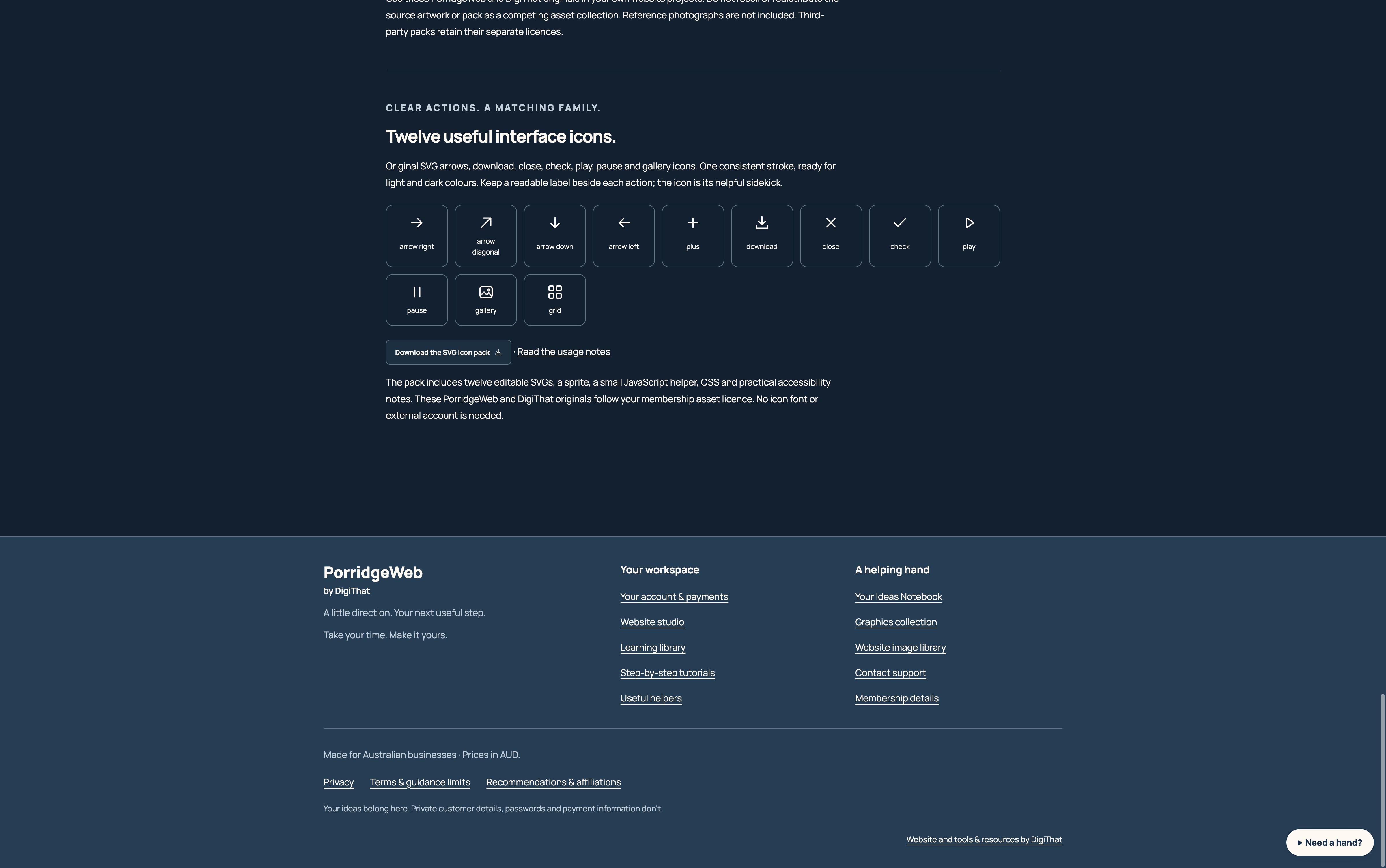
The twelve original SVG icons in the member graphics collection. Labels remain readable and the matching pack is ready to download.
Learn how to use it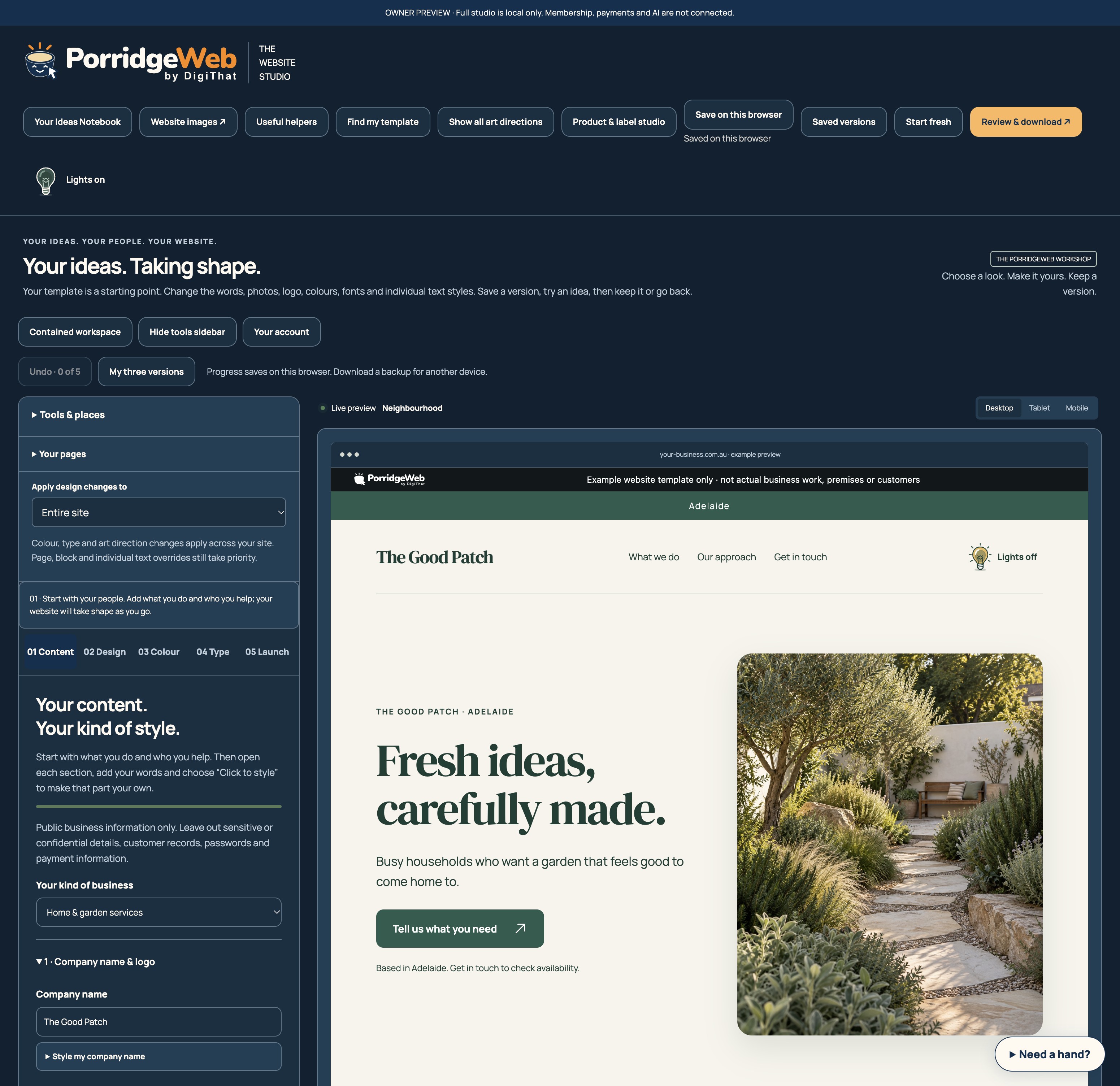
Current Studio controls for automatic saving, undo, three named versions, workspace width and the collapsible tools area.
Learn how to use itThe studio has browser save points and downloadable settings. The Ideas Notebook can protect locally saved notes with a passphrase; keep an encrypted backup because we cannot recover it.
KNOW WHAT’S ON YOUR BENCH
Find the help you need, see where it fits, and go straight to it. Browse everything here; member tools show the available plans unless your account already has access.
What the labels mean: Free = available now. Member tools = built and available to authorised accounts; choose Starter, Porridge+ or Pro for paid access. Planned = not active. External services may need their own accounts and fees.
66 tools, resources and planned capabilities. Each entry names its own limits.
No tools match those filters. Try a shorter search or choose every package.
Useful first steps, with no blank-page staring contest required.
Turn your offer, audience and next step into a clearer message. A structured worksheet, with no AI request.
Use free tool Read the step-by-step guideCheck whether one text and background colour pair is readable. A useful check, not a whole-site accessibility audit.
Use free tool Read the step-by-step guideAnswer a few questions to find a starting layout suited to the way your business helps people.
Use free tool Read the step-by-step guideBrowse 77 complete art directions using 31 style, layout and business filters and a live matching count. Try six colour schemes or browse large desktop and phone previews with Previous and Next. No signup is needed to explore.
Use free tool Read the step-by-step guideExplore starting styles for service businesses, shops, hospitality, consultants and more.
Use free tool Read the step-by-step guideA practical starting guide. Downloads need a verified free account and use the allowance shown in your account.
Free download access Read the step-by-step guideExplore possible business models, useful questions and realistic next steps before building.
Use free tool Read the step-by-step guideUnderstand where outside services can help. Their subscriptions, charges and terms are separate from PorridgeWeb.
Use free tool Read the step-by-step guideThe complete website essentials are grouped in Porridge+. Pro and Hosted include them too.
Shape your pages with words, images and useful components beside a live preview. Browse every design, follow guided setup or go straight to editing.
Open tool Read the step-by-step guideApply a complete art direction across your site, a page or a block. Keep your content and choose whether to retain your colours, fonts and individual overrides.
Open tool Read the step-by-step guideTry palettes, fine-tune colours and check selected contrast combinations as your design changes.
Open tool Read the step-by-step guideExplore the font catalogue, shortlist families and fine-tune type by role. The workshop includes 58 bundled families; selected font licences travel with your export.
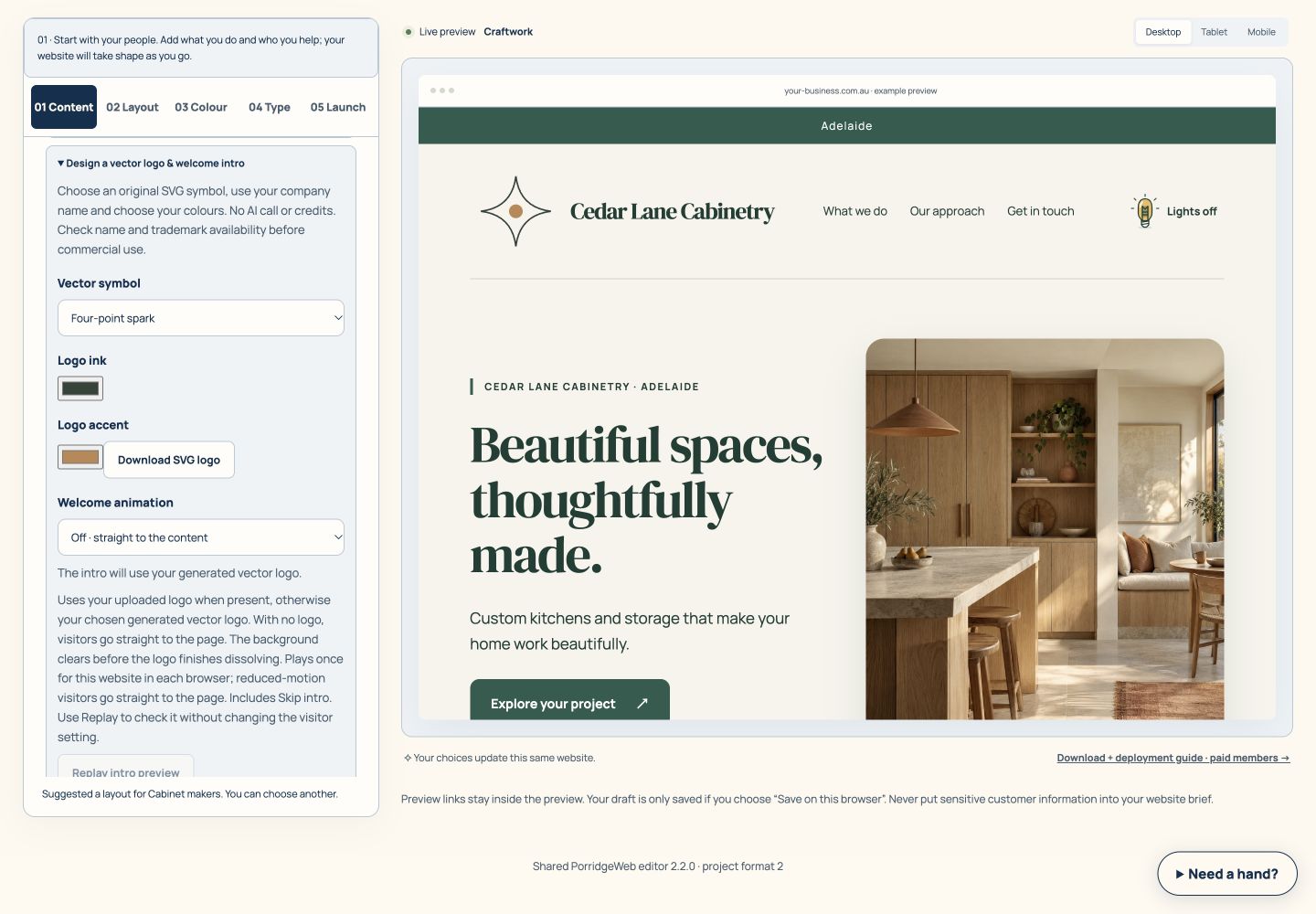
Open tool Read the step-by-step guideCreate an editable vector logo from the built-in symbols and your business name, or upload your own logo. This is not AI logo generation.
Open tool Read the step-by-step guideGive your logo a short entrance, with timing, colour, skip and reduced-motion options.
Open tool Read the step-by-step guideCreate a rotating opening section with several designs, your own images, captions, links and accessible playback controls.
Open tool Read the step-by-step guideChoose a grid or browsable carousel for your services and offers, with motion and timing controls.
Open tool Read the step-by-step guideAdd your own main photo, descriptive alternative text and captions; edit individual content blocks in the preview.
Open tool Read the step-by-step guideCheck your website at different widths before you share it. Still test the published result on real devices.
Open tool Read the step-by-step guideSave progress on this browser after a short pause, use five undo steps during your visit, and keep three named versions plus eight safety restore points. Download private settings backups; cloud saving is not included.
Open tool Read the step-by-step guideChoose from 32 light, globe and switch controls, including Camera aperture. Preview each design, choose animated or still movement, and add a cord where supported.
Open tool Read the step-by-step guideFollow the numbered route and remaining count, or move to the Studio early with your completed facts. Choosing a design remains a separate action.
Open tool Read the step-by-step guideChoose a full-width or contained workspace, hide or show the tools sidebar, and use a searchable Tools & places menu. These editing preferences do not change the downloaded website.
Open tool Read the step-by-step guideAdd a useful message near the opening, with an optional link. Keep it still, or choose movement with pause, keyboard and reduced-motion controls.
Open tool Read the step-by-step guideAdd a clearly labelled button that opens extra information only when chosen. Close and Escape return focus; an expandable fallback works without JavaScript.
Open tool Read the step-by-step guideAdd up to six mixed-ratio images in a grid, feature showcase or fanned cards, with larger previews. An optional scroll fan includes a manual button and still reduced-motion presentation.
Open tool Read the step-by-step guideChoose paired Australian watercolour or photographic scenes, fade an opening or closing image towards any edge, and adjust fade length and image position. The fade follows your page colour in light and dark appearances.
Open tool Read the step-by-step guideAdd useful link panels beside supporting content, with individual titles, widths, sticky and collapsible options. Up to six links per side; sidebars stack on small screens.
Open tool Read the step-by-step guidePolish the details, make it easy to get in touch, and take your work with you.
Choose from 122 original illustrative images: 20 business collections plus Australian landscapes, watercolours and ten photographic studies in 5:4. Preview, select up to 12 and download a ZIP with details and usage guidance. Existing library downloads use no AI credits.
Open tool Read the step-by-step guideCrop, adjust exposure, contrast and saturation, make a black-and-white or artistic colour version, or create a bounded 2× copy. Compare with the original and download locally; no AI credits are used.
Open tool Read the step-by-step guideMake browser and home-screen icons from your logo, preview them at small sizes and download installation notes.
Open tool Read the step-by-step guideChoose a layout and add fields such as text, email, choices and consent. Connect Netlify Forms or a supported external endpoint, then test delivery.
Open tool Read the step-by-step guideEnter your address manually or prepare Google address suggestions. Live suggestions need your own restricted Google Maps key and provider setup.
Open setup controls Read the step-by-step guideFlag missing details, sample content and selected readability issues, then download your action list. Human and regulatory checks remain essential.
Open tool Read the step-by-step guideDownload your static website, assets, font licences and setup guidance. Hosting, working payments and booking systems need separate connections.
Open tool Read the step-by-step guideFollow website-building lessons and work through the choices behind a useful customer journey.
Open tool Read the step-by-step guideUse practical guidance on content, navigation, trust and the details that help visitors take their next step.
Open tool Read the step-by-step guideWork through content, permissions, contact details and handover questions before calling the job finished.
Open tool Read the step-by-step guideReview a website against the guide and record what needs attention. It is a guided review, not an automated compliance certificate.
Open tool Read the step-by-step guideLook up the website terms you encounter along the way, without falling down a jargon rabbit hole.
Open tool Read the step-by-step guideExplore a practical route for your type of business, from first decisions to launch.
Open tool Read the step-by-step guideBuild batches of ten image prompts with quick choices for shape, lighting, feeling, composition and detail. Prompt building uses no AI credits.
Open tool Read the step-by-step guidePro adds catalogue and packaging work for businesses with more to show.
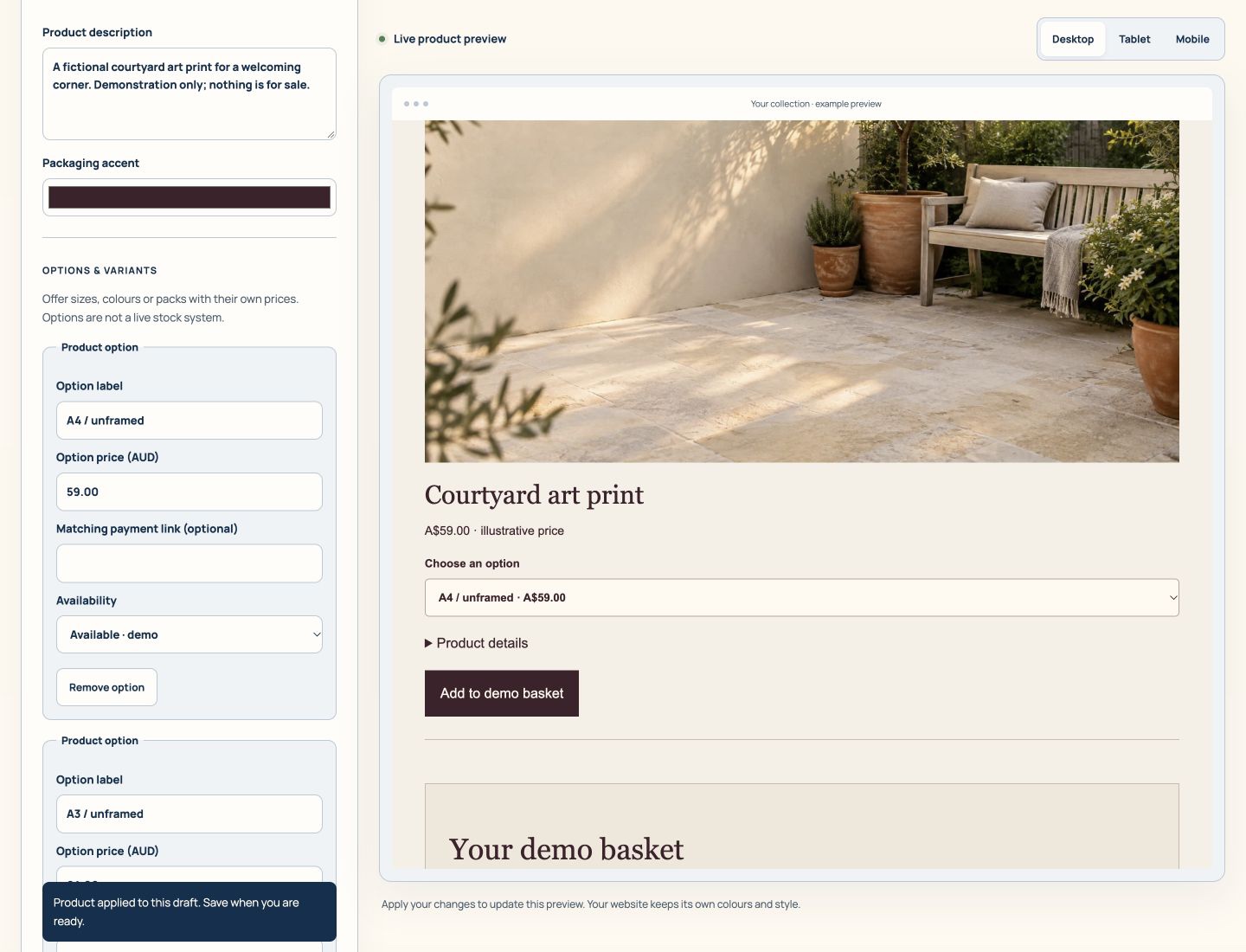
Add, edit or remove products, prices, descriptions and variants; preview a mock shop and export its static files.
Open tool Read the step-by-step guideAdd PNG, JPEG or WebP photos in any aspect ratio within the stated limits. Use adaptive, stacked or side-by-side cards, whole-image fit or an intentional crop.
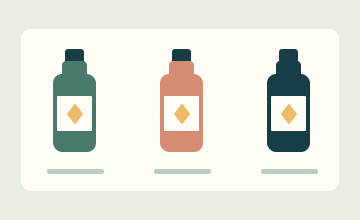
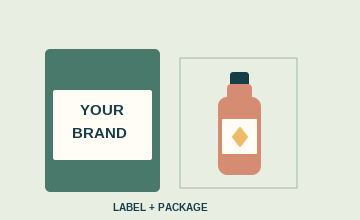
Open tool Read the step-by-step guideAdjust branding, product names, vintages and colours. Download an illustrated SVG or preview a label on a realistic sample bottle.
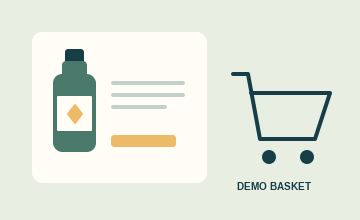
Open tool Read the step-by-step guideShow a demonstration basket or configure supported external payment links. This does not provide order management, inventory or a connected checkout.
Open tool Read the step-by-step guideEight practical worksheets use your own facts. They do not call AI or spend credits.
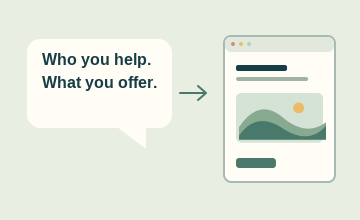
Bring your audience, offer, outcome and next action together in a downloadable worksheet.
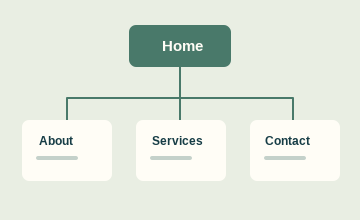
Open tool Read the step-by-step guideSketch the pages and sections a service business, shop or expert website needs.
Open tool Read the step-by-step guideDraft a page title and description and consider how they read together. Search engines may display different text.
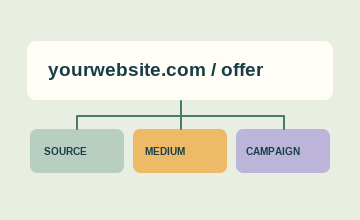
Open tool Read the step-by-step guideAdd campaign labels to a public URL so compatible analytics can distinguish your promotional traffic.
Open tool Read the step-by-step guidePlan answers to the questions that make customers pause before enquiring or buying.
Open tool Read the step-by-step guideClarify what an image needs to communicate and prepare useful alternative text.
Open tool Read the step-by-step guideJoin the dots between a button, its destination and what happens after the customer acts.
Open tool Read the step-by-step guideRecord the evidence and permissions behind public claims and set a review date.
Open tool Read the step-by-step guidePro adds an organised place for ideas, visual details and resource decisions.
Save notes locally with passphrase protection and export an encrypted backup. Keep your passphrase safe; we cannot recover it.
Open tool Read the step-by-step guideExplore 32 working SVG theme-control designs, including Camera aperture, the separate bronze coach artwork, and twelve matching interface icons with a sprite, helper and usage notes.
Open tool Read the step-by-step guideInspect example assets before choosing a resource. This is a visual reference page; check the original licence and attribution requirements separately.
Open tool Read the step-by-step guideFind resource sources and licence guidance. Check each item’s own licence; membership does not override third-party conditions.
Open tool Read the step-by-step guideShape a clearer brief for use with an AI service you choose. Building the prompt itself does not call AI.
Open tool Read the step-by-step guideExplore website options and the wider business decisions that sit around a website.
Open tool Read the step-by-step guideLearn where AI can help, what information to avoid sharing and what a person still needs to check. Reading does not use API credits.
Open tool Read the step-by-step guideDownload twelve matching arrows and useful action icons, plus a sprite, small JavaScript helper, CSS and accessible usage notes.
Open tool Read the step-by-step guideAI help, logo concepts and website images use your paid allowance. General page-writing assistance and managed hosting remain in preparation.
Planned help turning a reviewed brief into page content. This capability is not active; current AI credits cover help questions, logo concepts and website images.
See preparation status Read the step-by-step guideTurn your business brief into a fresh vector symbol with outlined lettering. Review the credit estimate first, then download SVG and transparent PNG files for your site. Check the concept and similar brands before adopting it.
Open tool Read the step-by-step guideChoose balanced, high or maximum quality and create one website image from your description. Review the maximum credit hold first; only measured usage is charged.
Open tool Read the step-by-step guideAsk a focused website question when the built-in guidance is not enough. Review the estimate, consent to sending the question and keep control of your credits.
Open tool Read the step-by-step guideThe intended Hosted package adds one static website, HTTPS, domain connection and defined backup and support arrangements. Automatic provisioning is not connected yet.
See preparation status Read the step-by-step guidePRESS PLAY. FIND YOUR NEXT STEP.
Real captures of our working development tools, using fictional businesses and sample content. Demonstrations are edited for pace. Videos show local editing, not live billing or hosting. The image-studio screenshot includes a clearly labelled output from a paid API test; public AI access is not active.
Choose a palette, change the typography and check a smaller screen. The website updates from the real editor controls.
Australian AI narration by ElevenLabs Hannah · English captions · original screen recording from 9 October 2026. Narration added 18 October 2026.
Select a sample Shiraz, edit its price, add a draft product and undo the addition. Then check the mobile catalogue. This is a demo shop, not live commerce.
Australian AI narration by ElevenLabs Hannah · English captions · original screen recording from 9 October 2026. Narration added 18 October 2026.
CLEAR EXPECTATIONS
Porridge Free browser tools and public previews work without an account. Free guide downloads require a verified free account and are subject to the allowance and availability shown in your account. Starter, Porridge+ and Pro memberships are available now. Their included tools unlock after Stripe confirms payment.
AI writing and website image generation are being prepared for paid members, with metered credits and a cost shown before each action. Credit allowances and extra-credit pricing will be confirmed before sale. AI is not available to public members yet. Cloud project saving is not included. Saved projects and restore points currently stay in your browser; download backups you want to keep. A static export is not a working shop checkout, booking engine or installed admin system.
The A$129Coming
soon hosting package will cover one static website. Traffic, storage, backup and support limits must be published and tested before it can be purchased. Domains and email are separate.
No automatic charge starts here. Billing frequency, renewal consent, cancellation and the complete payable amount will be clear before any purchase.
PICTURE WHAT YOU COULD MAKE
Different businesses. Different starting points. Explore how the choices could work for you.

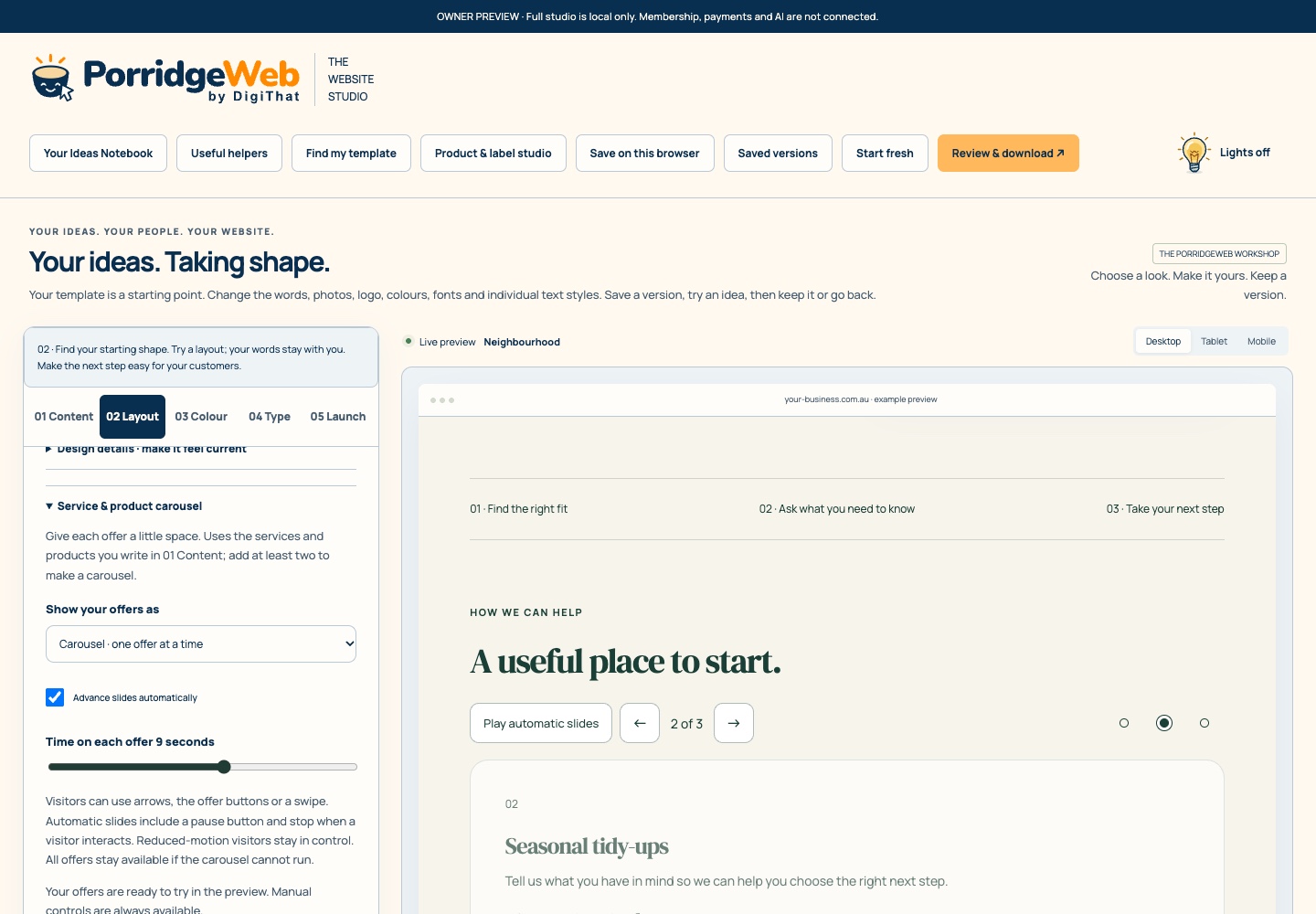
The carousel controls sit beside the website preview, so a small design decision has a visible result.
Explore the tools
Add a product, set its options and compare the result alongside the controls. Live checkout, delivery and order handling need a tested commerce connection.
See the product tools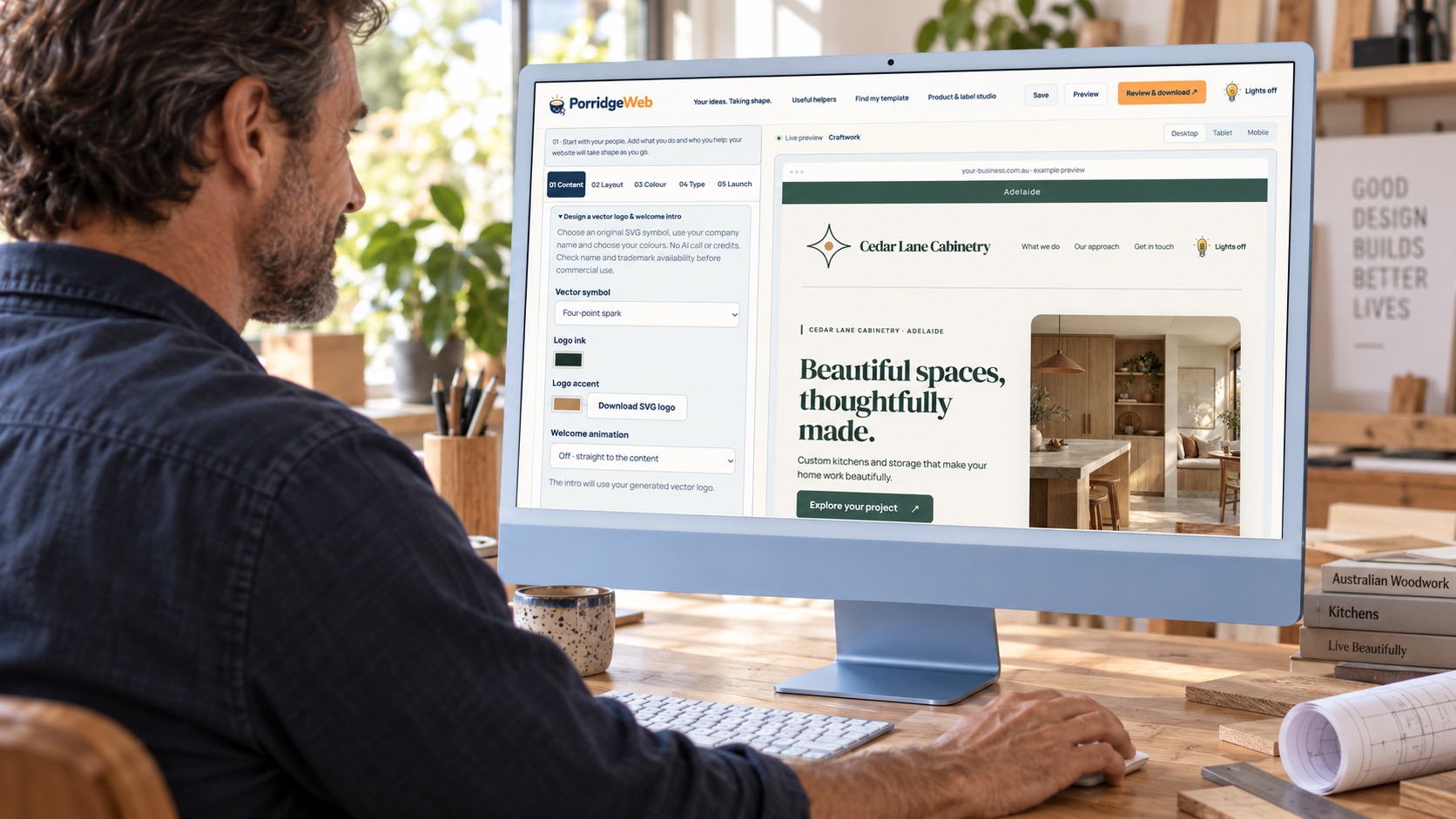
Choose a vector symbol, add your business name and adjust its colours. Preview the logo on your website, then download an SVG.
See the logo creatorIllustrative scenes with fictional people and businesses, created using AI. For actual tool demonstrations and current availability, see the tool tour.
57 WAYS TO MAKE IT YOURS
Quiet and considered. Warm and welcoming. Bold and expressive. Explore 77 art directions, see real previews, and find the feeling that fits your business.
Explore all 57 directions Keep your content when you change direction. Fine-tune colours and fonts across your site, a page or a section.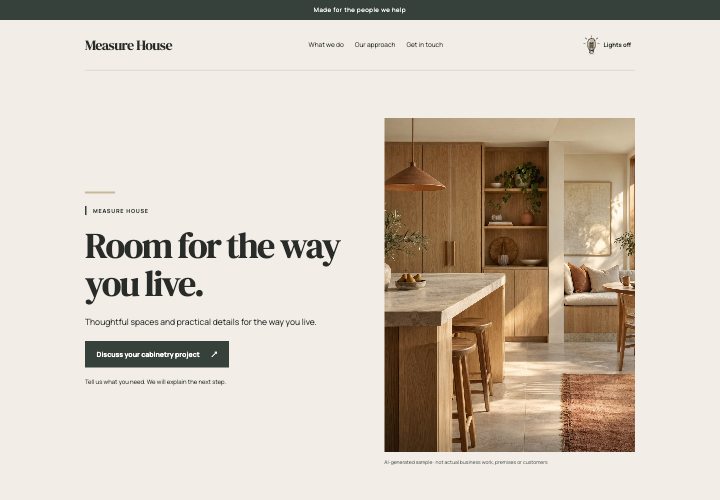 Stone & Measure · one of 57 directions
NEXT ON THE WORKBENCH
The aim is one managed static website with the Pro toolkit, HTTPS, your own domain connected, publishing and a way to roll back.
Automatic setup is not connected yet. Before this plan opens, we need to verify separate customer hosting, provisioning, publishing, usage caps, backups and what happens when a membership ends. Traffic, storage, support and any setup fee will be confirmed before sale.
Domain registration, email, order processing and third-party subscriptions are separate. A static catalogue is not a complete online shop.
AI help, logo concepts and website images use included monthly credits: 1,000 on Starter, 2,900 on Porridge+ and 4,900 on Pro. General AI page-writing assistance remains in preparation.
You approve an estimate before each request. Optional one-off top-ups cost A$10 including GST for 2,500 credits, valid for 12 months with active paid membership. Read the credit terms. No automatic top-ups.
The built-in editors and worksheets above work without spending AI credits.
Start with free tools, choose Porridge+ for website building, or explore Pro for products and extra planning resources. Hosted is the proposed Pro package with one managed website. Starter, Porridge+ and Pro are available now. Automatic hosting is still in preparation.
Get clear on your message and starting style. Try useful tools before choosing a paid package.
View Porridge Free detailsOne website, 19 design choices, 1,000 monthly AI credits and 5 library images.
View Porridge Starter detailsOne website, 29 design choices, 2,900 monthly AI credits and 10 library images.
View Porridge+ detailsOne website, 49 design choices, product tools, 4,900 monthly AI credits and 20 library images.
View Porridge Pro detailsThe Pro toolkit plus a managed home for one static website. Hosting setup is still in preparation.
View Porridge Hosted detailsPractical help, one thing at a time.
Start with the page’s instructions, save a copy of your work and try one change at a time. Our tool tour explains the main tools.
Prefer a person? Draft an email for help
Your email app opens a draft for you to review and send. Don’t include passwords, payment information or private customer records.