
Pro and above · 4 CLEAR STEPS
Interface SVG icon pack
Give useful actions a consistent visual companion.
Reading this guide is free. Opening the tool needs the membership shown above. Review the monthly price before checkout.
READ IT. TRY IT. MAKE IT YOURS.
One useful step at a time.
Keep this guide beside you while you work. Complete any passwords or private details in the tool, never in a tutorial.
STEP 1 OF 4
Find the icon pack
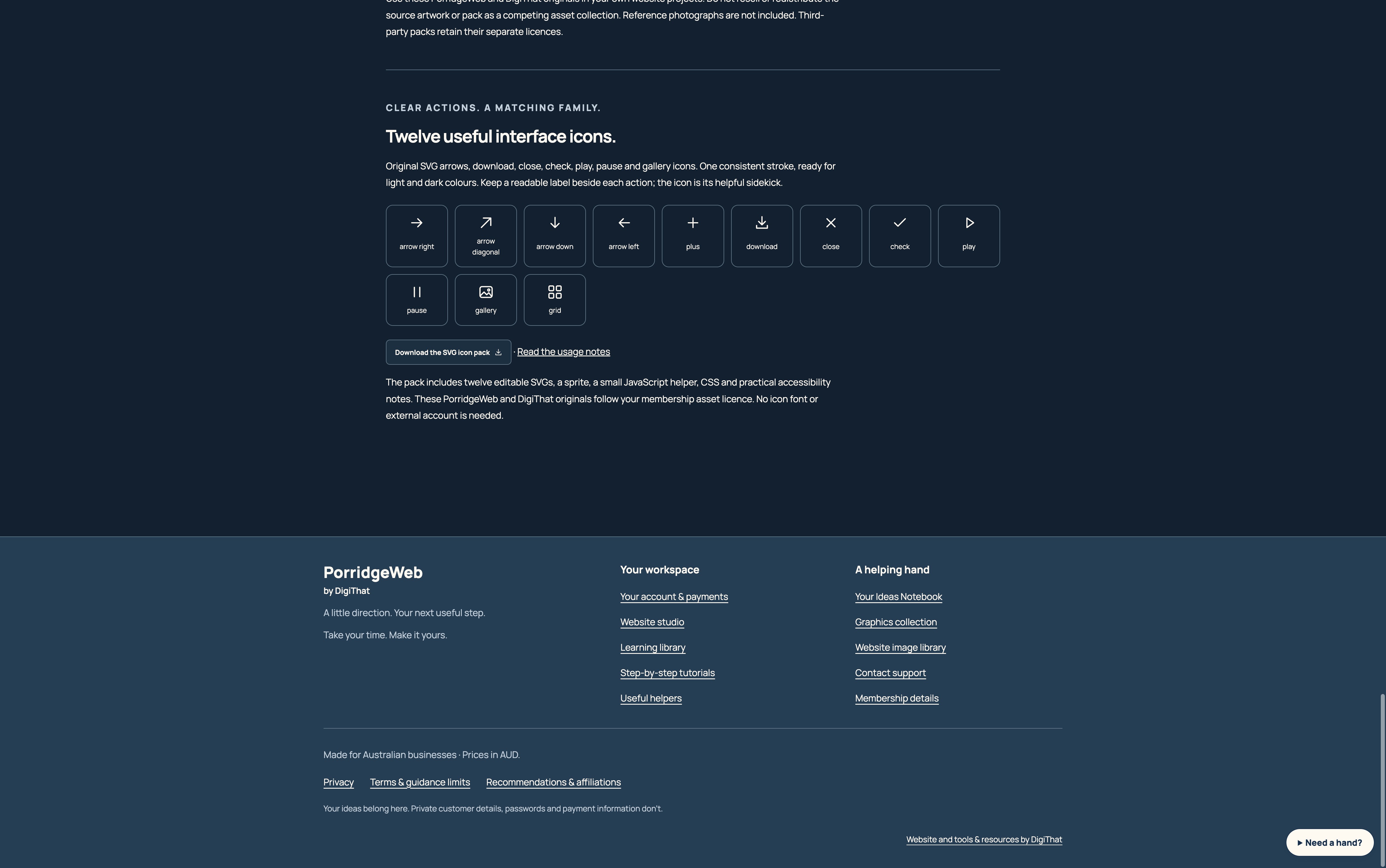
Open Graphics collection and scroll to Twelve useful interface icons. Compare arrows, download, close, check, play, pause and gallery symbols.
STEP 2 OF 4
Download the originals
Select Download the SVG icon pack. Extract the ZIP to find twelve SVG files, the matching sprite, helper module, CSS and README.
STEP 3 OF 4
Pair icons with clear labels
Use a right arrow for the next step, a diagonal arrow for opening a destination, and the download symbol for saving a file. Keep readable text beside the symbol. Give an icon-only button an accessible name.
STEP 4 OF 4
Check both appearances
Review your icons at their real size in light and dark colours, with keyboard focus and comfortable touch targets. Keep a master copy before editing.
HOW YOU KNOW IT WORKED
Check your result.
Related actions use the same stroke, proportions and wording, and remain understandable without the icon.
If it doesn’t feel right yet.
An SVG used as an image cannot inherit text colour. Use inline SVG or edit a fixed stroke colour. The original pack must not be resold or redistributed as a competing icon collection.
Ask for a helping hand ↗Include the step and what happened. Leave passwords, keys and private customer information out.
Saved only on this browser. It is a reading reminder, not proof of completion or compliance.
Keep going at your own pace.
← All tutorialsGuide checked against the working tools on 14 October 2026. External service screens and requirements may change.