Free▶ 16 sec
Customer message starter
Say what you offer in words your customer can recognise.

YOUR NEXT STEP, SHOWN CLEARLY
Start with clear, numbered steps. Watch a short clip when seeing the controls would help. Read it, try it, make it yours—at your own pace.
53 workflow guides · 45 captioned screen walkthroughs
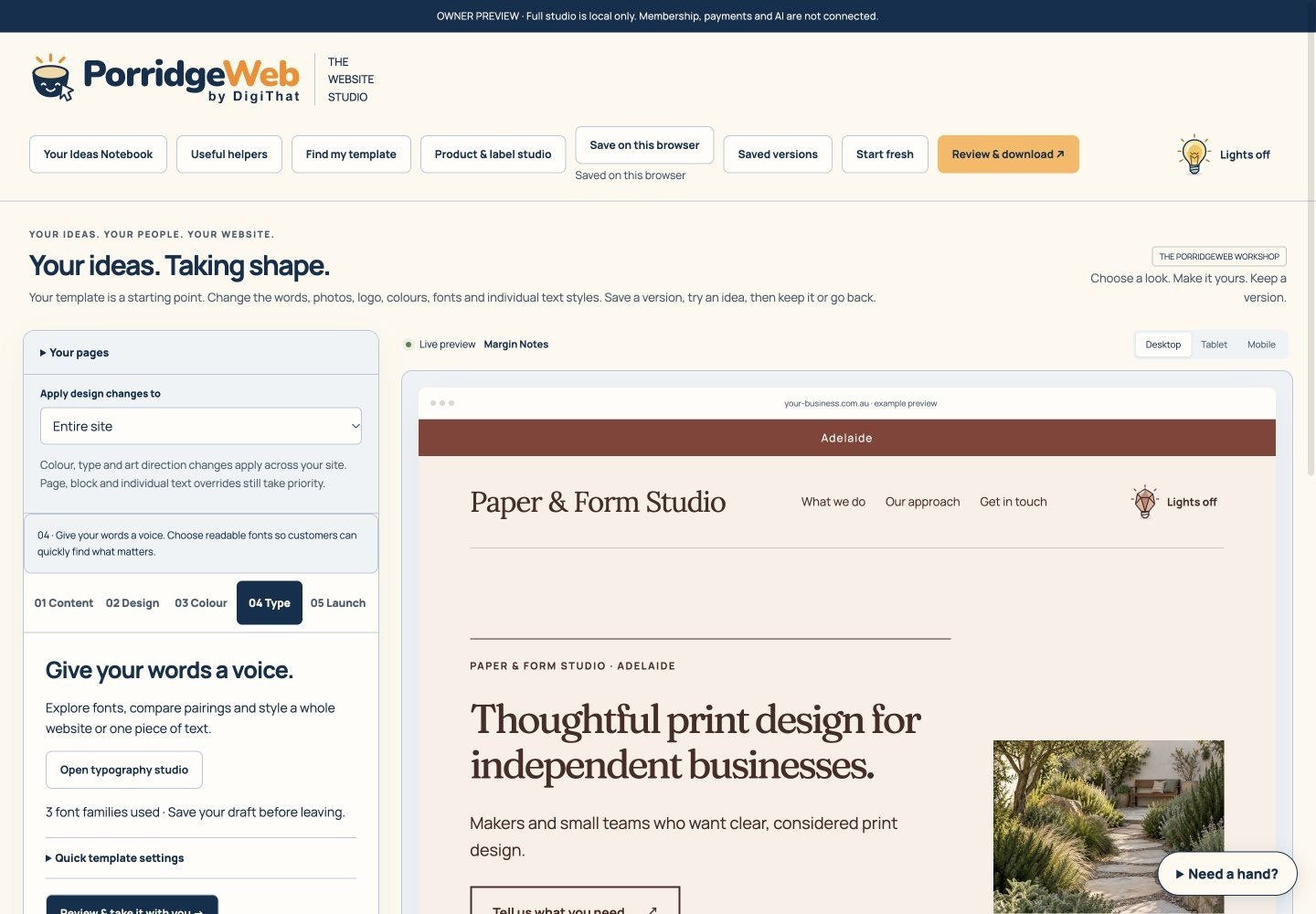 01 → 02 → 03 → 04 · Find your type Four written steps, with clips when you need them
ONE USEFUL STEP AT A TIME
No need to learn every tool before you begin.
SEE THE CHANGE AS YOU MAKE IT
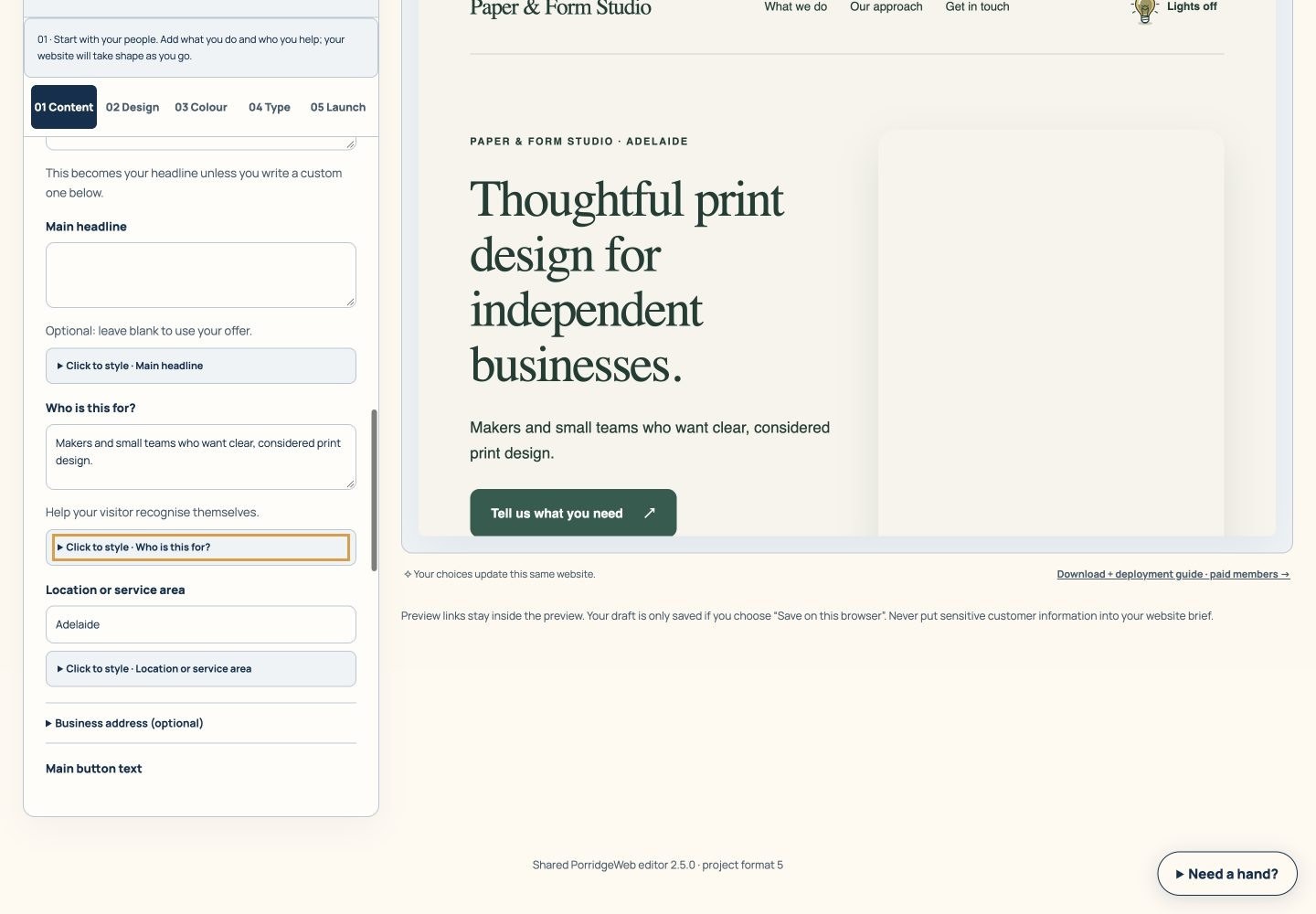 Website Studio4 numbered steps · optional video
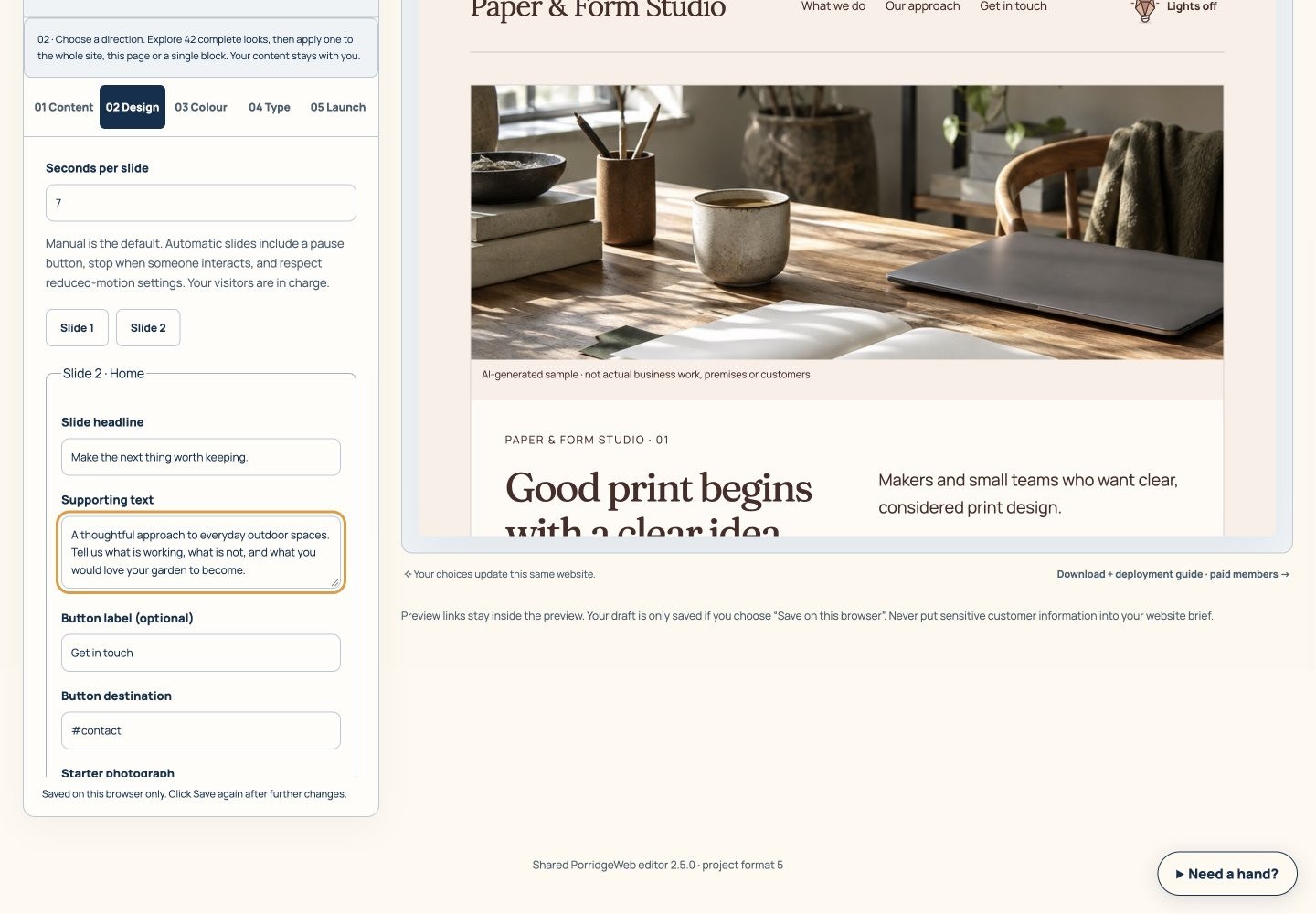 Hero carousel builder4 numbered steps · optional videoFont studio4 numbered steps · optional video
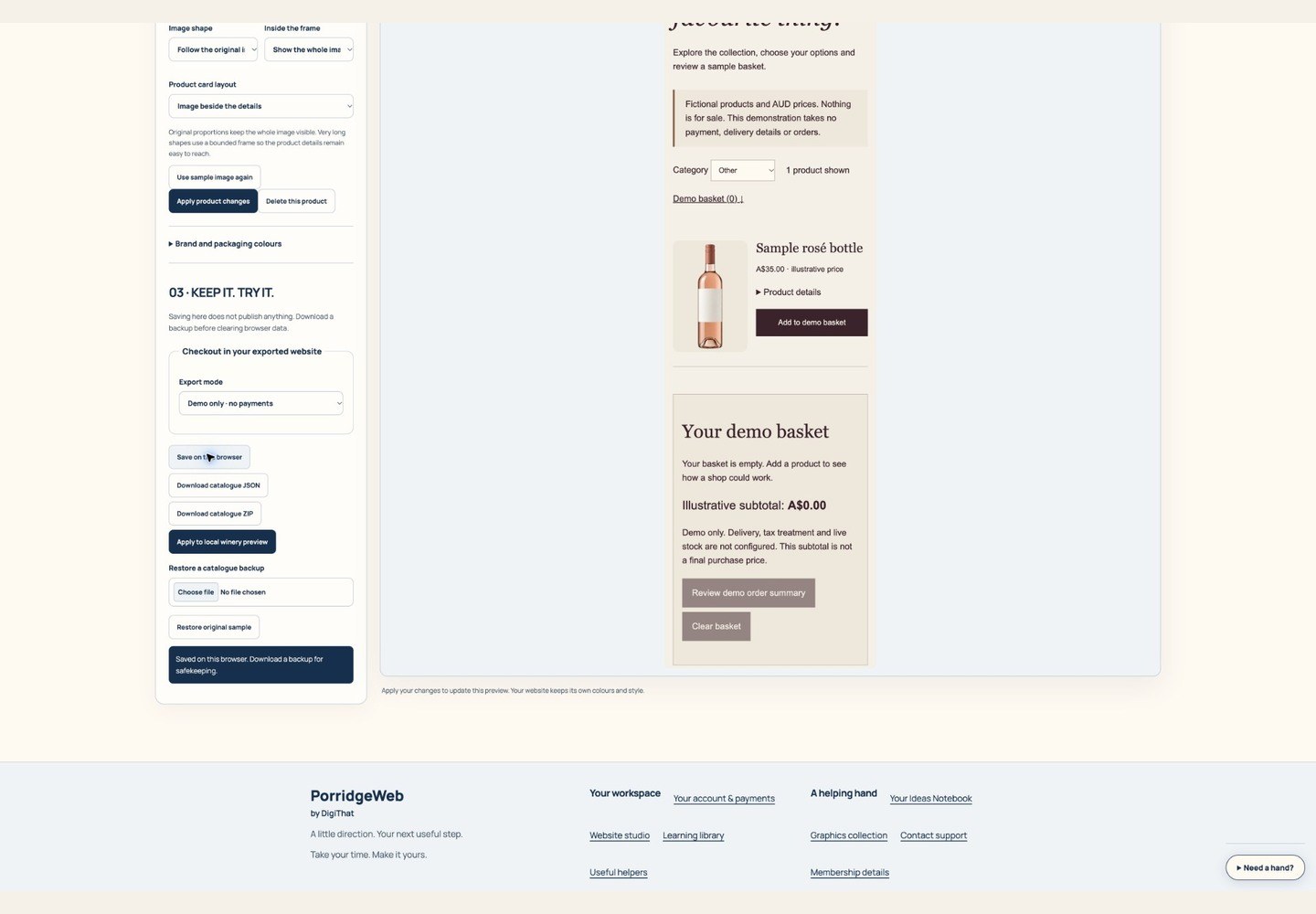 Product photography layouts4 numbered steps · optional video
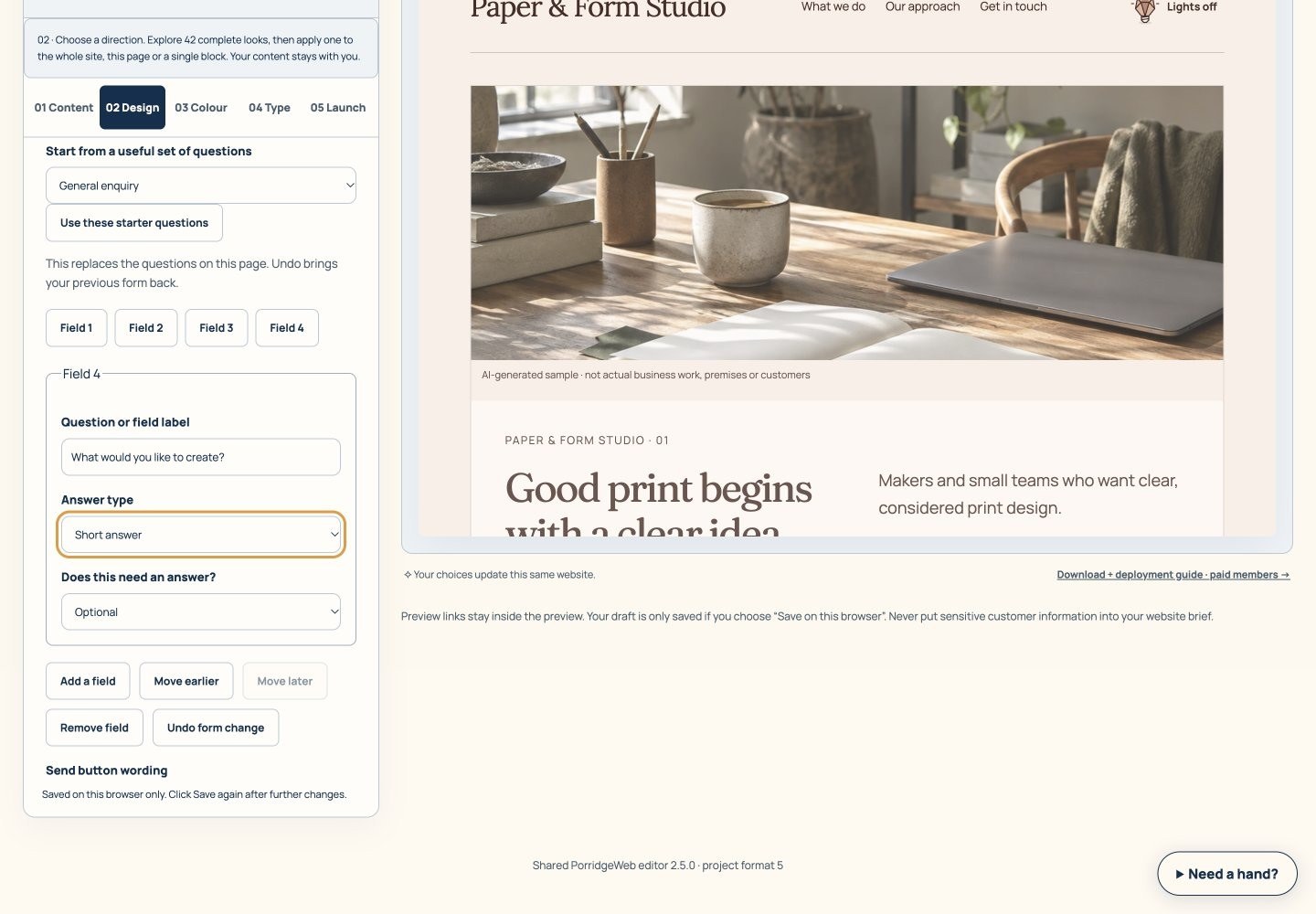 Contact form builder4 numbered steps · optional video
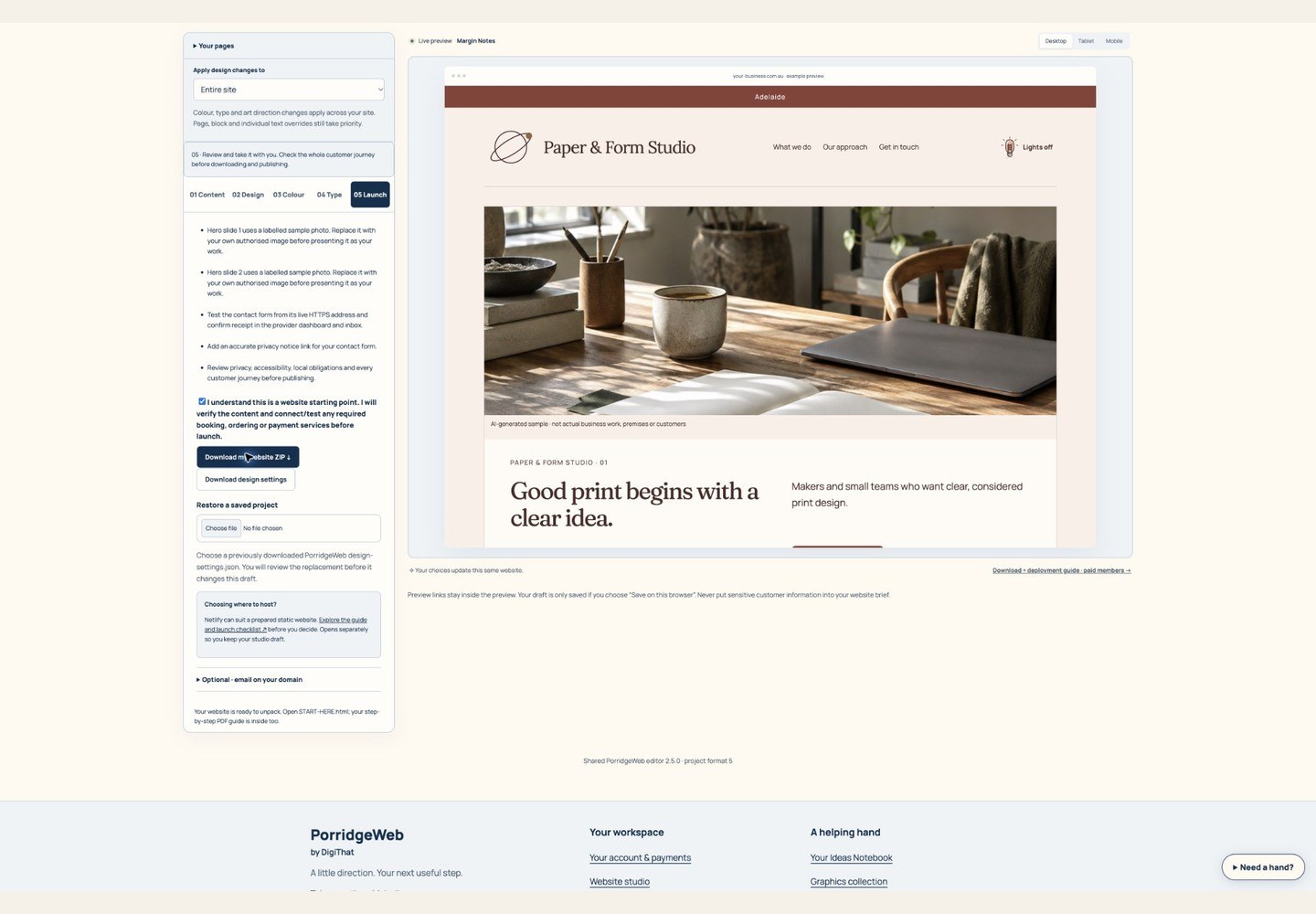 Website ZIP export4 numbered steps · optional video
THE TUTORIAL LIBRARY
Every guide is open to read. Tool access still follows your account permissions. Paid sign-up, public AI and automatic managed hosting are still being prepared.
57 guides, including four preparation guides.
Say what you offer in words your customer can recognise.
Check whether a text and background pair has enough contrast.
Find a starting style without auditioning every layout.
Compare complete visual directions before changing a draft.
See how a starting template supports different businesses.
Download the starting guide through your free account.
Turn an interesting idea into a small, testable next step.
Understand which outside services your website may need.
Create a first draft with your own business story.
Change the look while keeping the content you have written.
Build a readable colour system with room for your own character.
Choose and fine-tune type without losing the reading hierarchy.
Create a simple vector mark or bring your own logo.
Give your logo a short welcome without delaying the visit.
Build an opening carousel with each slide doing a useful job.
Choose how people browse your services or offers.
Use a relevant main photo and explain it where needed.
Check the same draft at different screen widths.
Keep a way back before experimenting.
Make light and dark appearances feel like one website.
Make a lighter website image while keeping your original.
Make a browser icon that still makes sense when tiny.
Build a useful enquiry form and finish the delivery connection.
Show only the location details your customers need.
Turn a draft into a practical list of checks.
Take your website files with you and know what comes next.
Build understanding alongside your website draft.
Use the playbook as a practical companion, one decision at a time.
Prepare a useful handover without a hunt through scattered notes.
Choose priorities for a website review using honest answers.
Get the meaning of a website term without losing your place.
Find a website route that fits how your business works.
Create a product collection with options and a safe demo preview.
Let each product photograph keep its shape and give its details room to breathe.
Preview a fictional label with your own product details.
Test product selection while keeping demo and real checkout separate.
Shape a clear customer message.
Plan useful pages before writing them.
Review a page title and description together.
Make a labelled link for a campaign you can recognise later.
Identify the questions that stop a customer taking the next step.
Explain what an image needs to communicate.
Connect a button to a complete customer journey.
Keep the source behind a public claim close at hand.
Keep private project ideas in a locally encrypted notebook.
Choose a visual detail that serves the page.
Look at example assets before deciding whether they suit your project.
Find external resources and preserve their licence information.
Turn an idea into a useful brief for a service you choose.
Build a reviewed brief that connects the website to the business.
Understand where AI may help and where a person must stay involved.
Understand the preparation status before planning around this capability.
Understand the preparation status before planning around this capability.
Understand the preparation status before planning around this capability.
Understand the preparation status before planning around this capability.
Reach the right workspace and understand what your account enables.
Get unstuck with the page and step you are working on.
No guides match yet. Try a shorter phrase or choose all topics.
Practical help, one thing at a time.
Start with the page’s instructions, save a copy of your work and try one change at a time. Our tool tour explains the main tools.
Prefer a person? Draft an email for help
Your email app opens a draft for you to review and send. Don’t include passwords, payment information or private customer records.