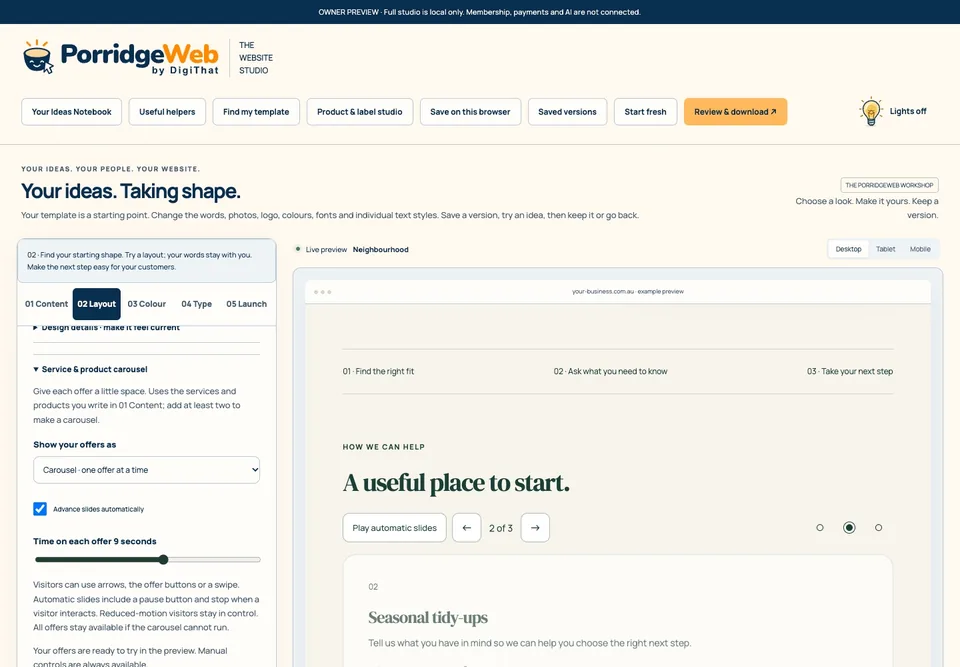
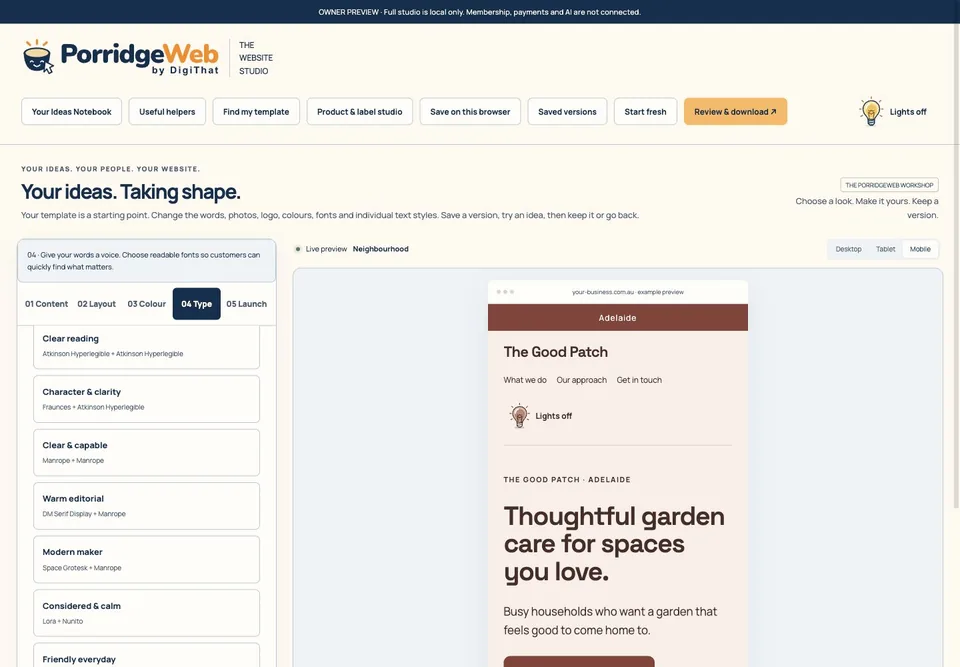
Start with the layout, not the sample business. The words, photos, colours and fonts can all change in the member studio.
Pick a style below, switch between desktop, tablet and phone, and scroll through the example. These are screen previews of the working templates; editing and website downloads belong in the member studio.
Screen previews are free to explore. Editing and downloads are available with an eligible membership. Exploring here will not sign you up or charge you.
1 Pick a style below
2 Check Desktop, Tablet and Phone
3 Read how you can customise it
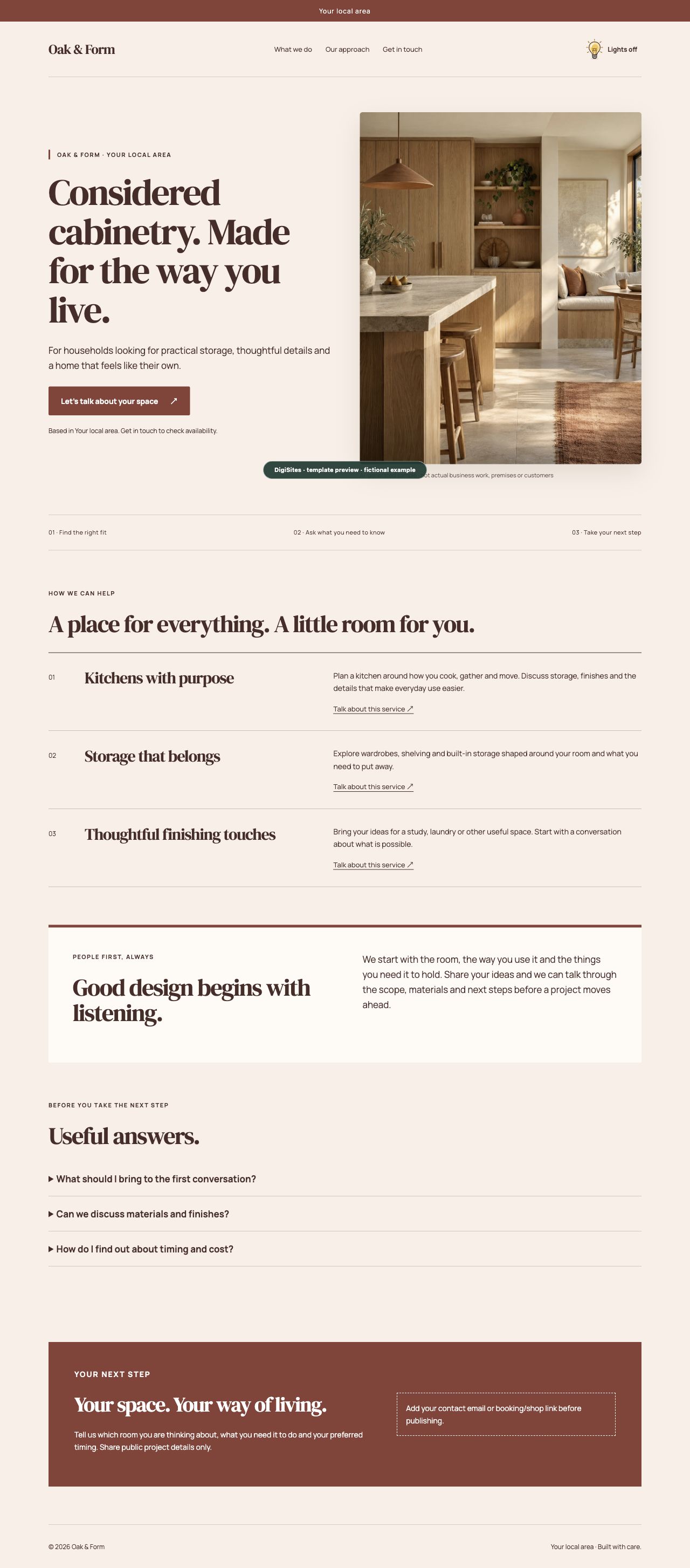
Craftwork
Choose a style, then compare Desktop, Tablet and Phone. You can switch styles freely; nothing is saved or purchased here.
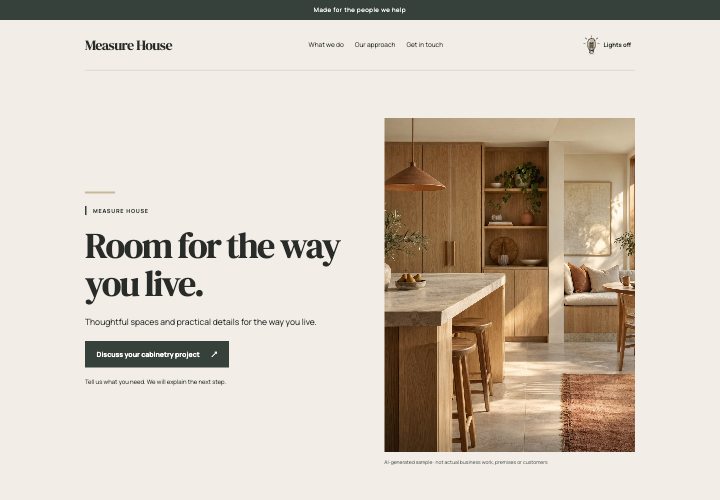
A warm editorial design for skilled makers and considered interiors.
2. Scroll this picture to see the whole page · example buttons do not work
Showing Craftwork on desktop. Buttons inside the screenshot are not interactive.
Just comparing today? Note the template name, or bookmark this page. Your choice is not saved to an account.
A LITTLE DIRECTION. A LOT OF POSSIBILITY.
From an idea to “that feels like me”.
You bring the knowledge of your business. The studio gives it a useful shape.
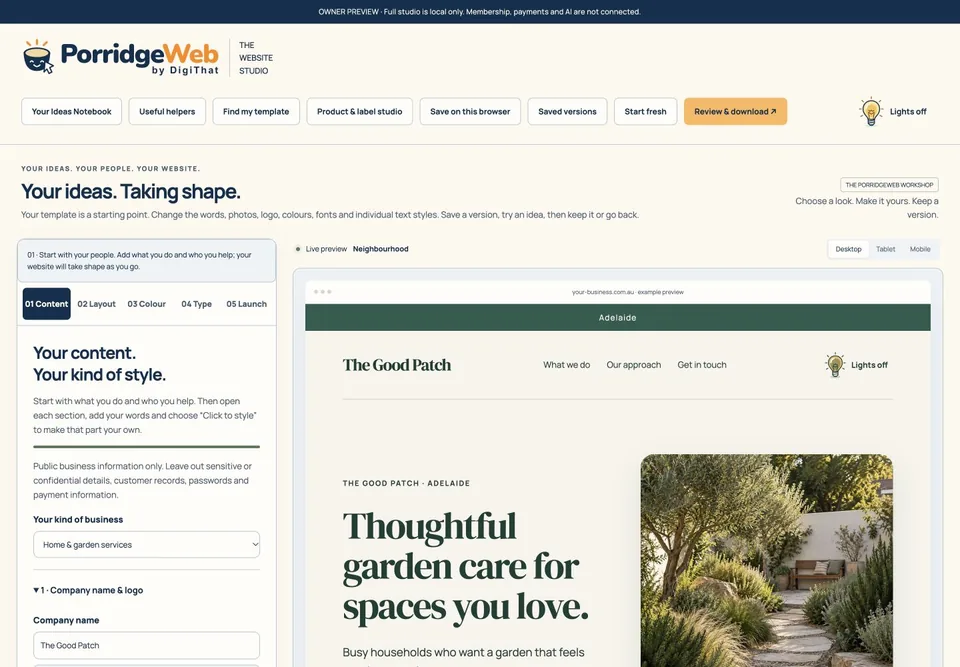
STEP 1 OF 5
Start with the people you help.
Fill in separate fields for your business, customers, offer and contact details. Your live preview turns those answers into a page. Use public business facts, not private customer information.
The tour explains the studio; it does not create or save a website.
Words, offers, questions, photographs, company name and logo, colours, fonts, individual text styles, spacing, rounded corners and the little light globe. Each layout provides the structure; the current editor is not an unrestricted drag-and-drop page builder.
Save a named version before experimenting. Restore an earlier version, reset one text style, or return to the original starter. Download important backups too—browser storage is not cloud storage.
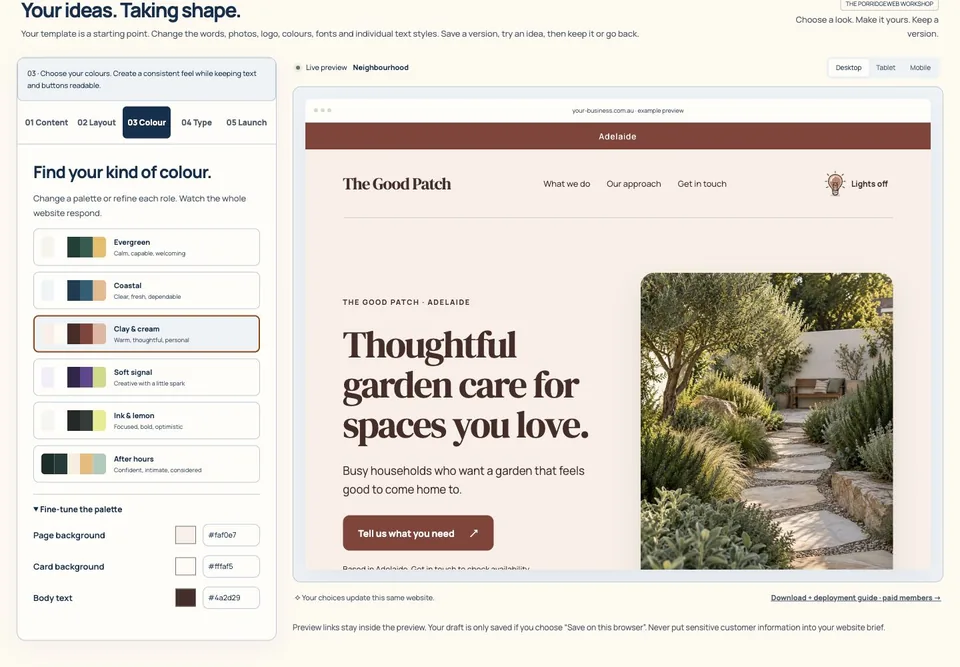
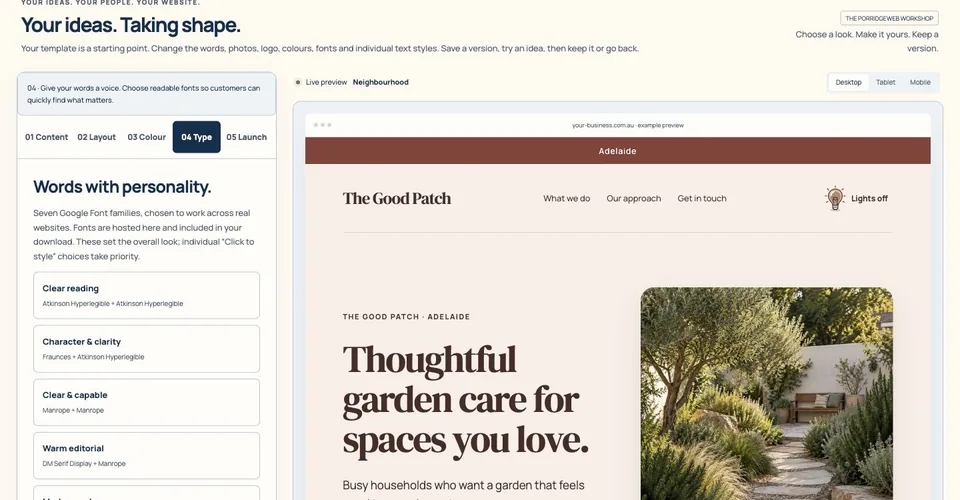
Try a paletteChoose your typeAdd a little character
Expressive headings, warm palettes and considered photography. Useful for makers and brands with a story to tell.
Flexible feature tiles
Give a leading offer more space, or switch to simple editorial rows when comparison matters more.
Human detail
Your real photos, your own words and a memorable little light globe. Swap the samples for what makes your business yours.
Choice without clutter
Light and dark appearances, still or gently moving buttons, desktop, tablet and phone previews, and styles you can change without rewriting your content.
The intended member licence lets you customise a template for your own business or a permitted client website, publish that finished site and keep backups. Cancelling a membership will not remotely switch off a lawfully downloaded site.
It does not permit reselling or redistributing PorridgeWeb’s proprietary template packs, admin system or resource library as stock products, a competing library or a website-building service. Keep required licence notices. Your own content stays yours; third-party and open-source materials keep their separate permissions.
Showroom previews are for evaluating PorridgeWeb. Viewing them does not grant a template download or reuse licence. Sample businesses and AI-generated photos are illustrative, not genuine customer claims. We do not promise exclusive copyright in AI-generated imagery.
The licence summary and Terms remain drafts for review before paid launch. The final permitted scope must be shown before purchase and supplied with the download; existing licences and mandatory legal rights are not reduced. Read the current terms draft →
PICTURE WHAT YOU COULD MAKE
From a useful idea to something you can see.
Different businesses. Different starting points. Explore how the choices could work for you.
Picture your business in the starting point.
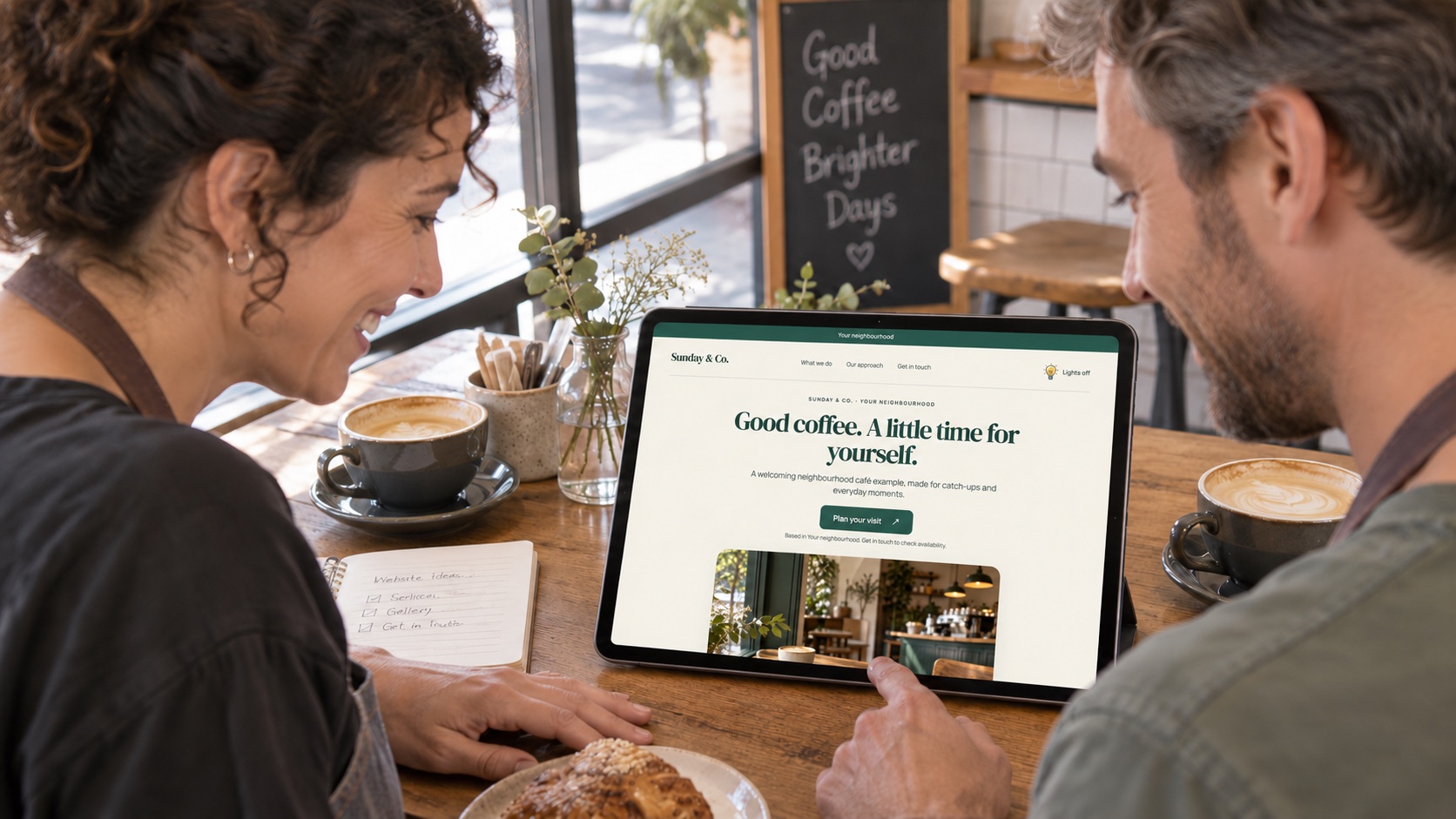
A café needs its own story, useful visit information and a clear way for customers to take the next step.
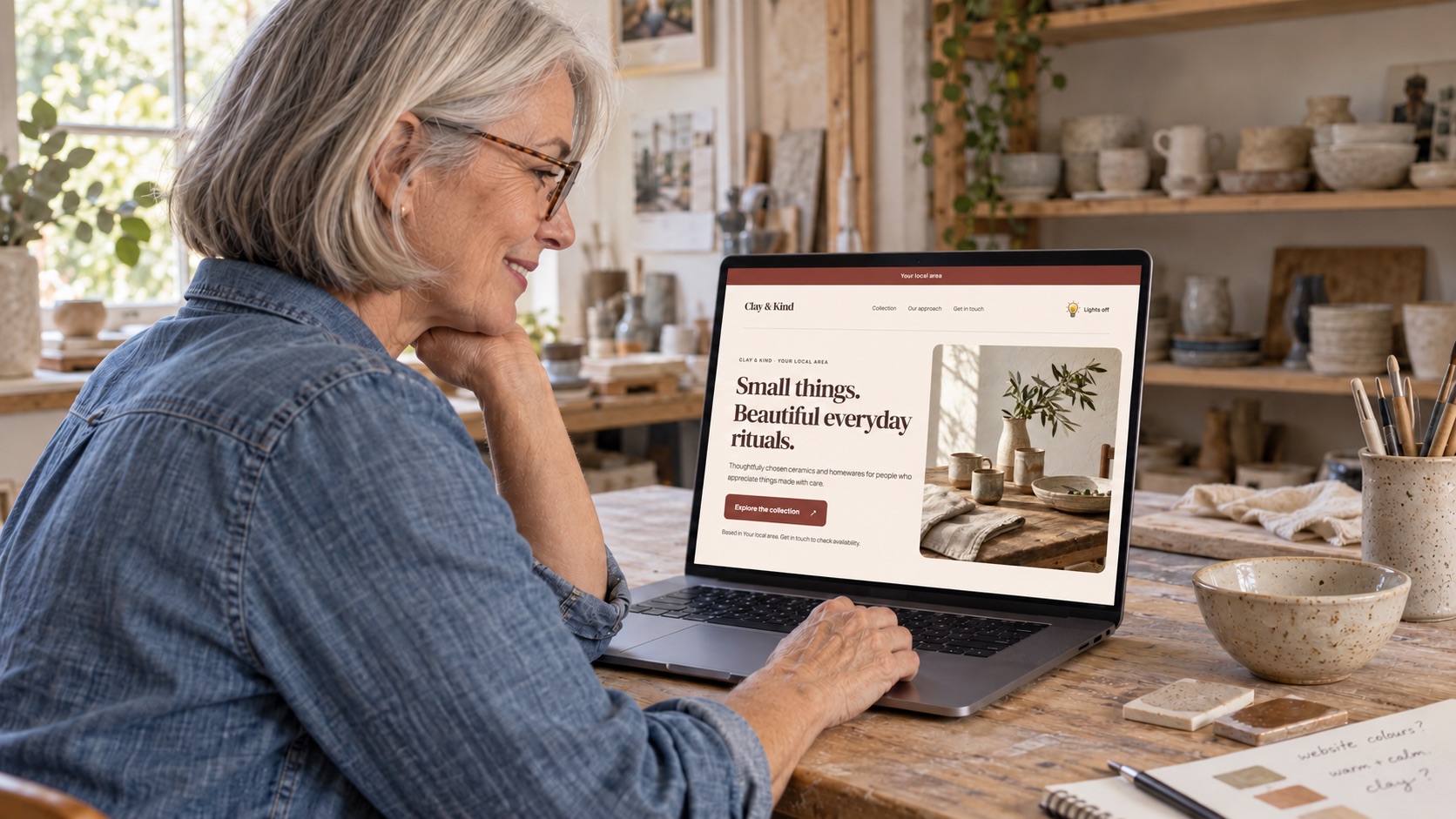
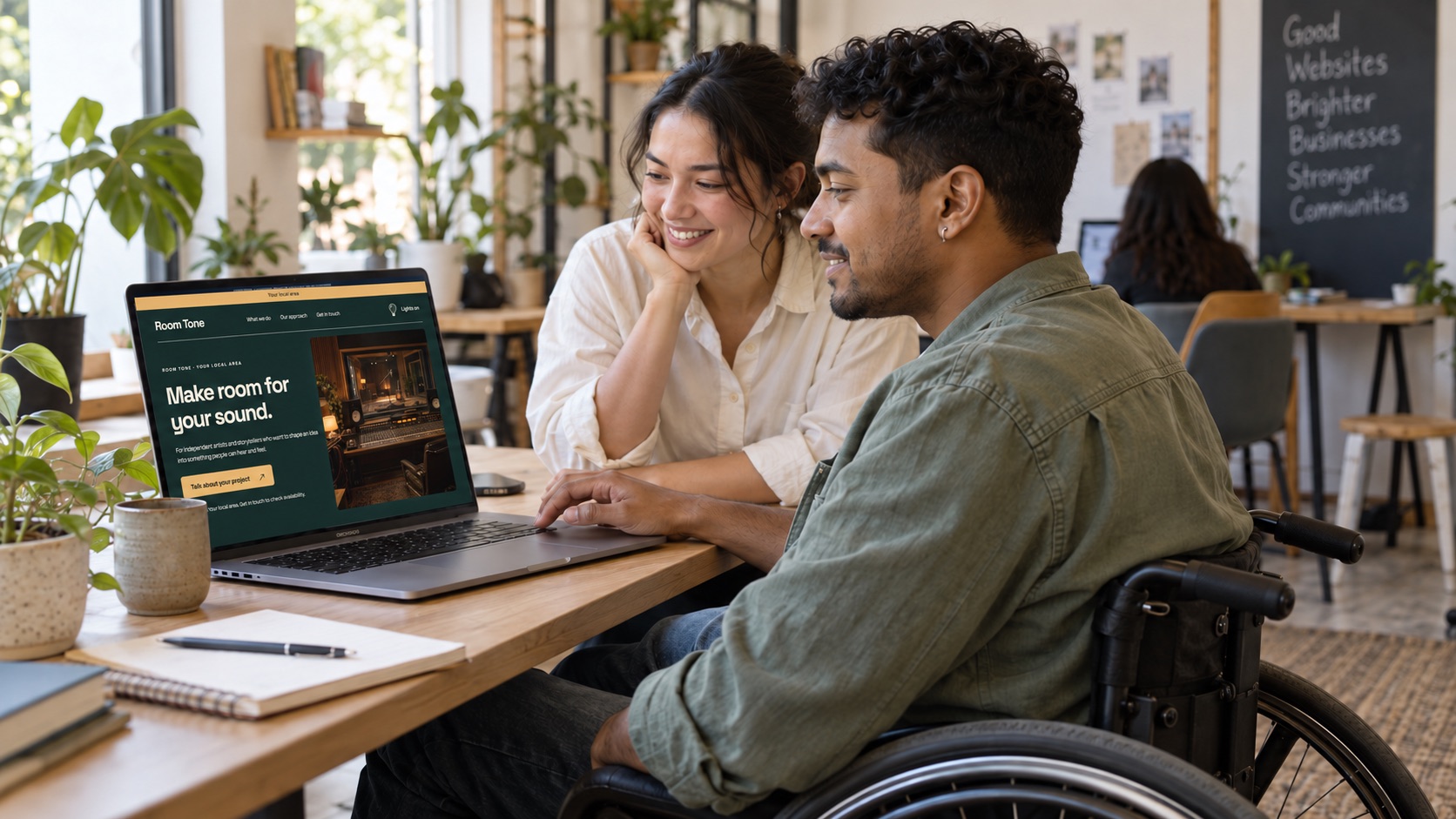
Illustrative scenes with fictional people and businesses, created using AI. For actual tool demonstrations and current availability, see the tool tour.
57 WAYS TO MAKE IT YOURS
Find your website’s personality.
Quiet and considered. Warm and welcoming. Bold and expressive. Explore 77 art directions, see real previews, and find the feeling that fits your business.
Explore all 57 directions ↗Keep your content when you change direction. Fine-tune colours and fonts across your site, a page or a section.
Start with the page’s instructions, save a copy of your work and try one change at a time. Our tool tour explains the main tools.
Prefer a person?Draft an email for help Your email app opens a draft for you to review and send. Don’t include passwords, payment information or private customer records.