Technology adoption
AI & workflow consultants
Plan an Australian AI consulting website that explains your offer, demonstrates a safe workflow and turns relevant enquiries into a scoped conversation.
Explore the website plan →
YOUR NEXT USEFUL STEP
Turn an interesting idea into a small, testable next step.
Read and explore at your own pace. Any outside services have separate terms.
Explore possible business models, useful questions and realistic next steps before building.
A NEW IDEA DESERVES A CLEAR NEXT STEP.
Spot an opportunity. Understand the person you can help. Build a website that makes the next step easy.
These six starting guides connect Australian market and policy signals with practical website plans. Some describe measured activity; others explore a customer problem or policy direction. None is a promise of demand, profit or a shortcut around professional requirements.
Source-checked 6 October 2026 · Six guides to begin with
Technology adoption
Plan an Australian AI consulting website that explains your offer, demonstrates a safe workflow and turns relevant enquiries into a scoped conversation.
Explore the website plan →Measured installation activity
Plan a clear Australian solar and battery website with genuine project proof, service-area details and a sensible assessment enquiry.
Explore the website plan →Documented customer problem
Create a clear website for Australian small-business cyber support, with a defined service scope, genuine credentials and a safe enquiry route.
Explore the website plan →Measured online spending
Plan a focused Australian ecommerce website around product fit, clear delivery and returns information, and a real tested checkout.
Explore the website plan →Service-system change
Plan an Australian home support website with clear service scope, honest eligibility information, accessible content and a respectful enquiry journey.
Explore the website plan →Policy direction to validate locally
Plan a website for an Australian repair, reuse or refurbishment business, with clear scope, genuine examples and a practical quote journey.
Explore the website plan →Ask three things before committing: who has the problem, what will they pay or do to solve it, and why would they trust you? Your website should answer those questions with genuine information and a clear action.
For a guided starting point, explore the template showroom. For a tailored design and implementation project, see how DigiThat can help. Our role is to help you communicate and build effectively, not promise business success.
PICTURE WHAT YOU COULD MAKE
Different businesses. Different starting points. Explore how the choices could work for you.
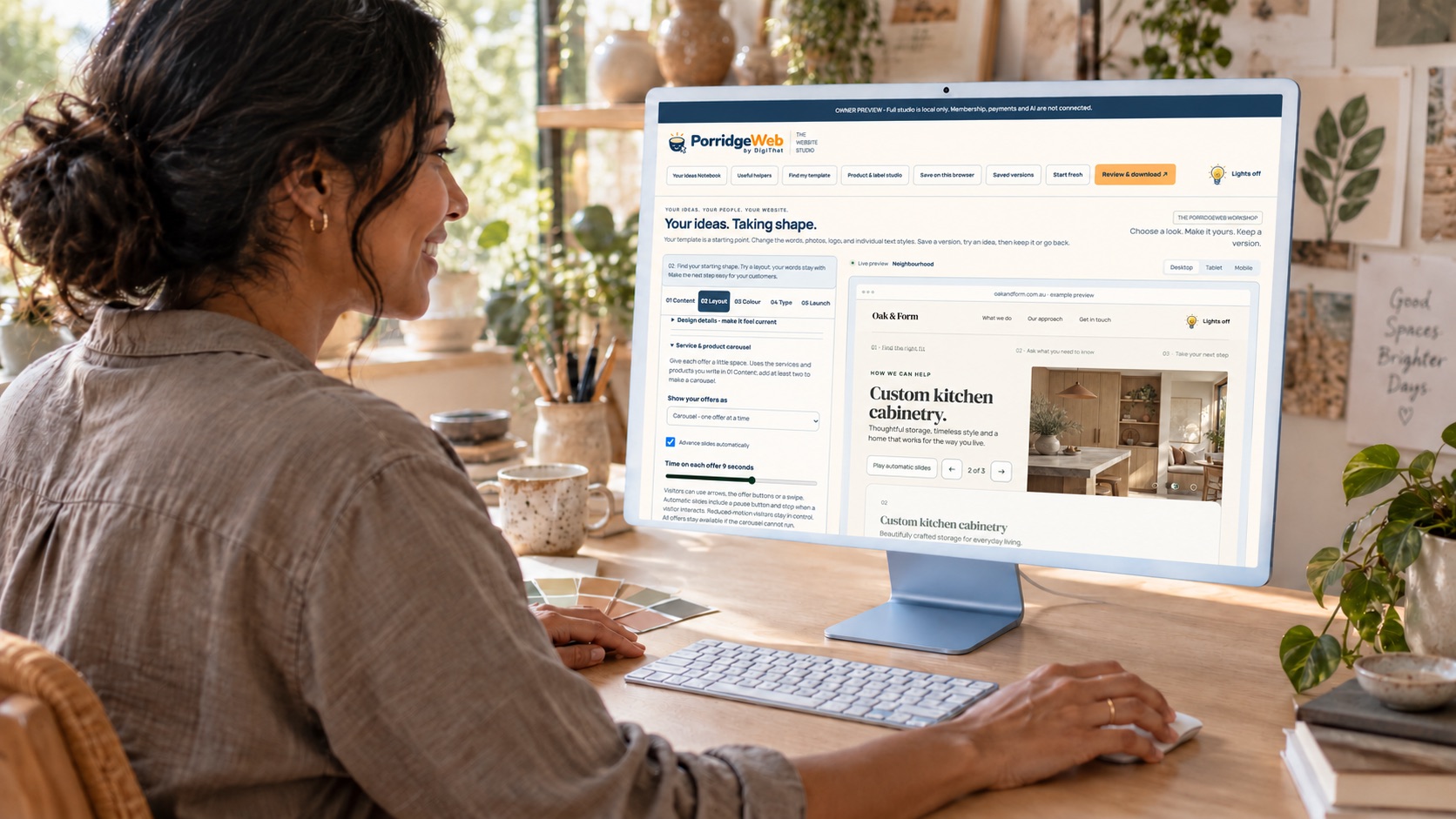
Select an optional carousel, adjust its timing and review the result alongside the controls. Keep the useful features and leave the rest off.
Take the tool tour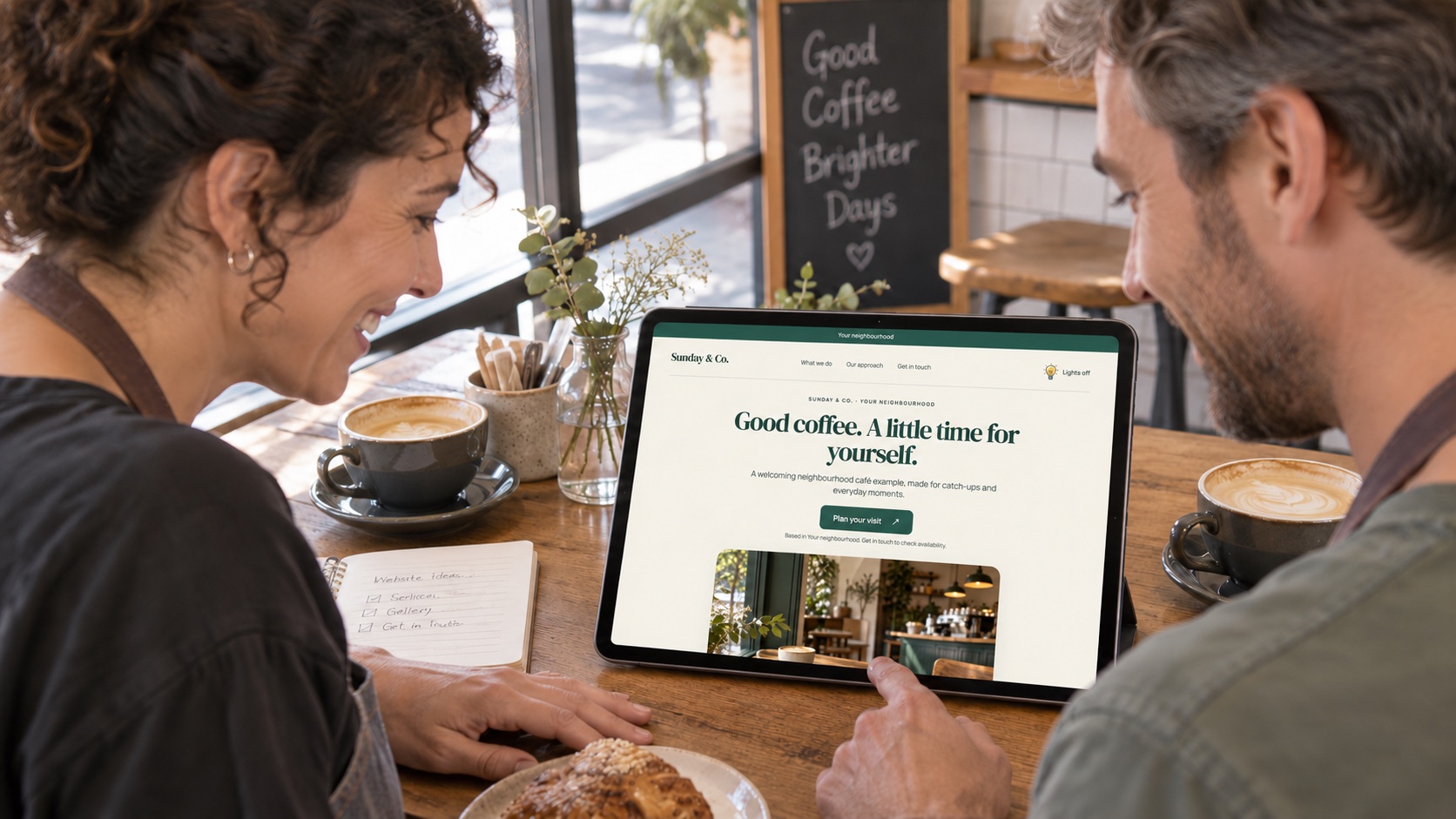
A café needs its own story, useful visit information and a clear way for customers to take the next step.
Explore the café template
Good photography, readable details and a considered layout help people understand what makes your work different.
Explore product templatesIllustrative scenes with fictional people and businesses, created using AI. For actual tool demonstrations and current availability, see the tool tour.
Practical help, one thing at a time.
Start with the page’s instructions, save a copy of your work and try one change at a time. Our tool tour explains the main tools.
Prefer a person? Draft an email for help
Your email app opens a draft for you to review and send. Don’t include passwords, payment information or private customer records.